39
Attach the Front Cover
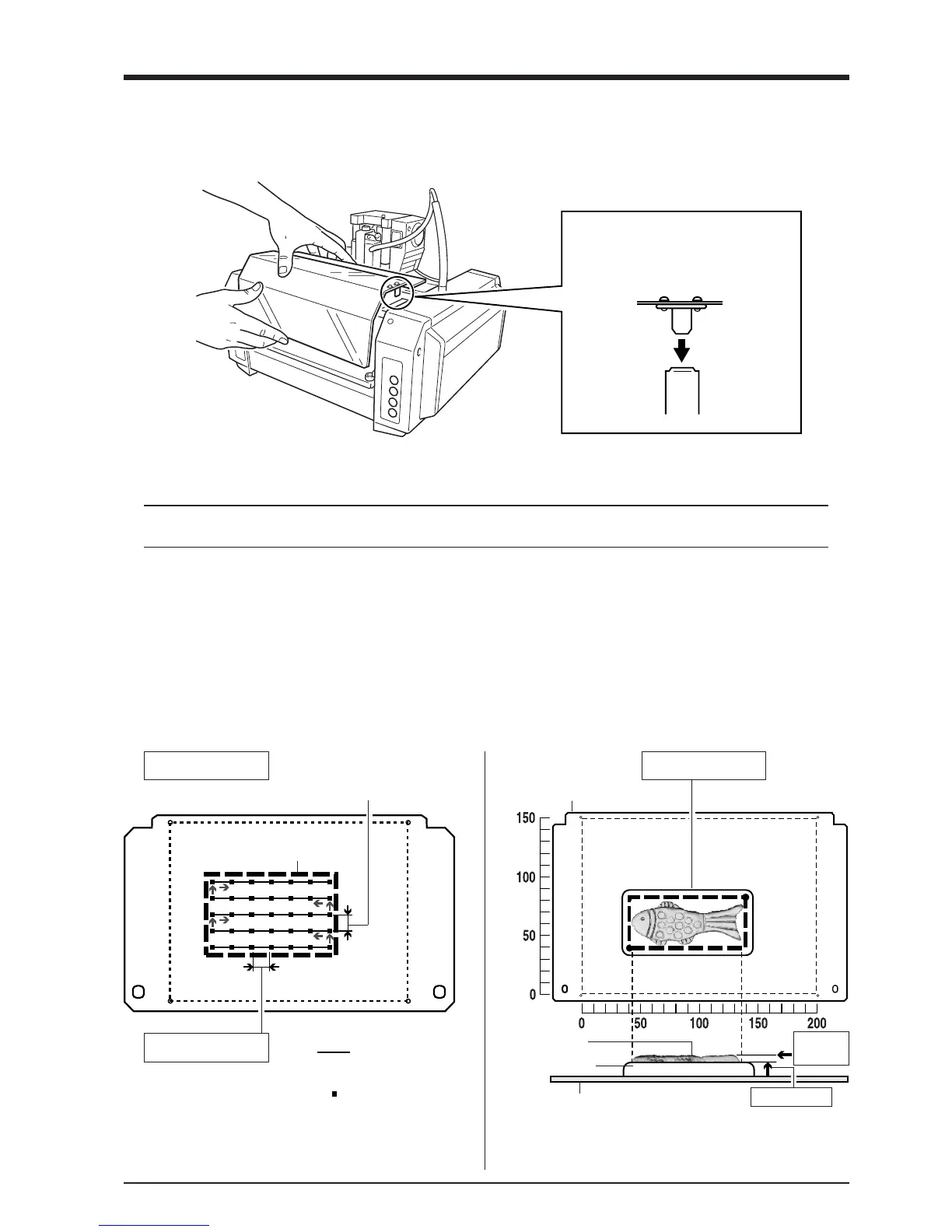
Attach the front cover.
Fit the cover plate into place from above
so that it goes into the portion shown in
the figure.
Powering ON
Before switching on the power to the MODELA, turn on the computer.
NOTICE
1
Press the STANDBY key.
The STANDBY LED lights up.
2
The unit performs initial operation and stops, and
the SCANNING MODE LED lights up.
: Scan path
(bidirectional scanning)
Scanning area
(Spacing of adjacent scan points along the Y axis)
Y SCAN PITCH
X SCAN PITCH
Workpiece plate
Scanning Area
Scan object
Clay
(Spacing of adjacent scan
points along the X axis)
: Scan points
Z Upper
Limit
Z BOTTOM
(Height of the scanning
area's bottom plane)
* If you have made a clay base, the height of the
clay is taken to be the Z-axis reference surface.
Workpiece plate
Setting Scanning Conditions and Starting Scanning
About scanning conditions and the scanning area



 To Next Page