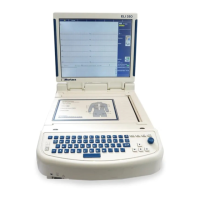
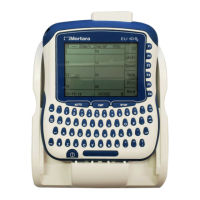
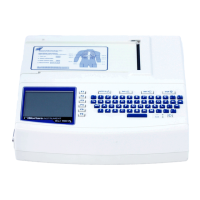
ELI 250/210__________________________________________________________________________
B-6
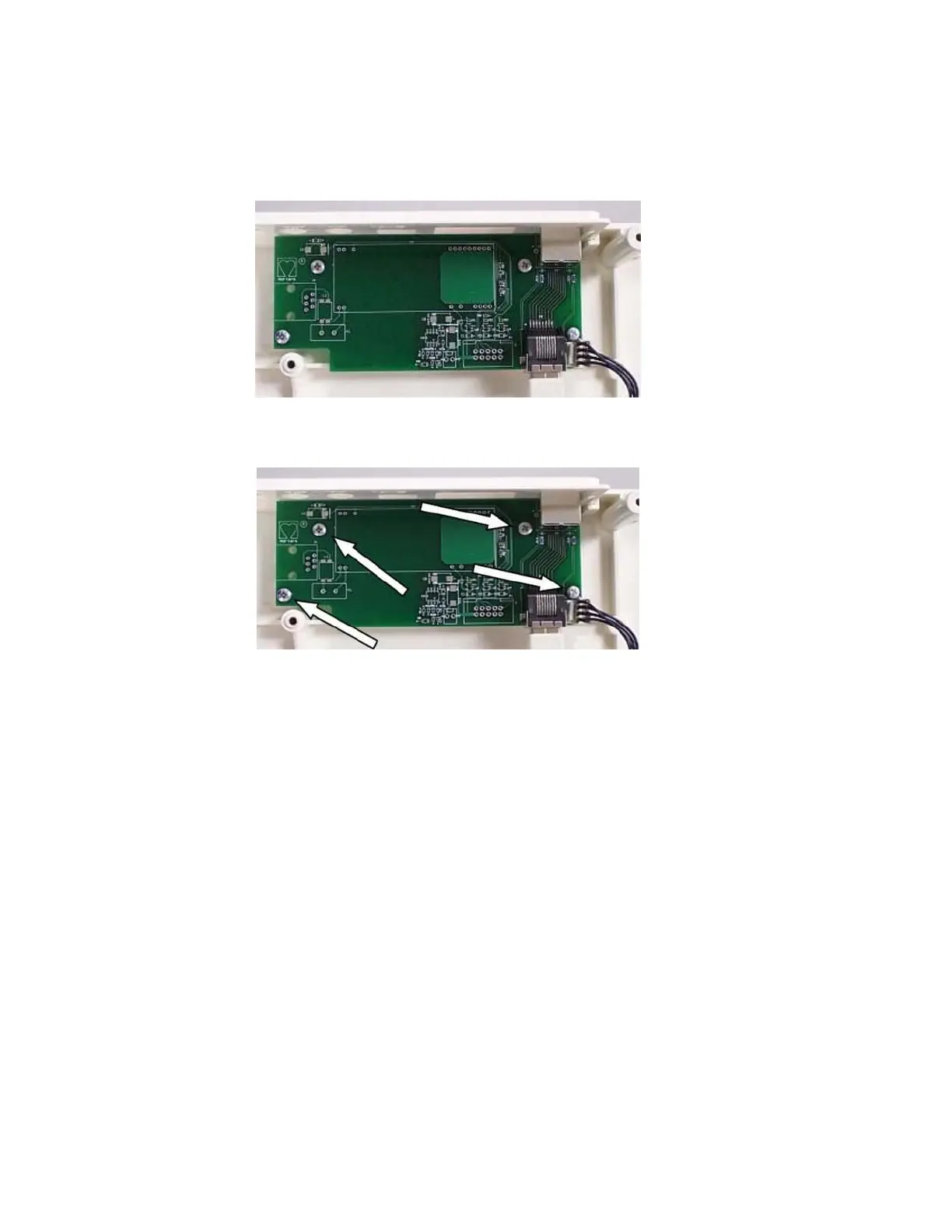
Removal of the LAN Interface Board, item #58.
1. Open the unit to access the motherboard
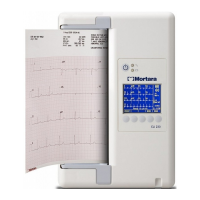
2. Locate the LAN Interface board. Item number 58, near the back of the unit.
3. Remove the cables, item #s 59 and 60, from the LAN Interface board.
4. Locate the 4 mounting screw, item #45 for the LAN Interface board and remove.
5. Reassemble unit in reverse order



 To Next Page