___________________________________________________________________________ Section 4
4-13
Printhead Removal / Installation
CAUTION
The printhead is a static sensitive part. Proper measures should be taken when
handling this part.
Note: The writer does not need to be removed from the unit for printhead to be replaced however removal of the
writer from the chassis will make the job easier.
With the top cover of the unit removed, close the writer door and remove the printhead cables from the
motherboard. See section on removing the cover.
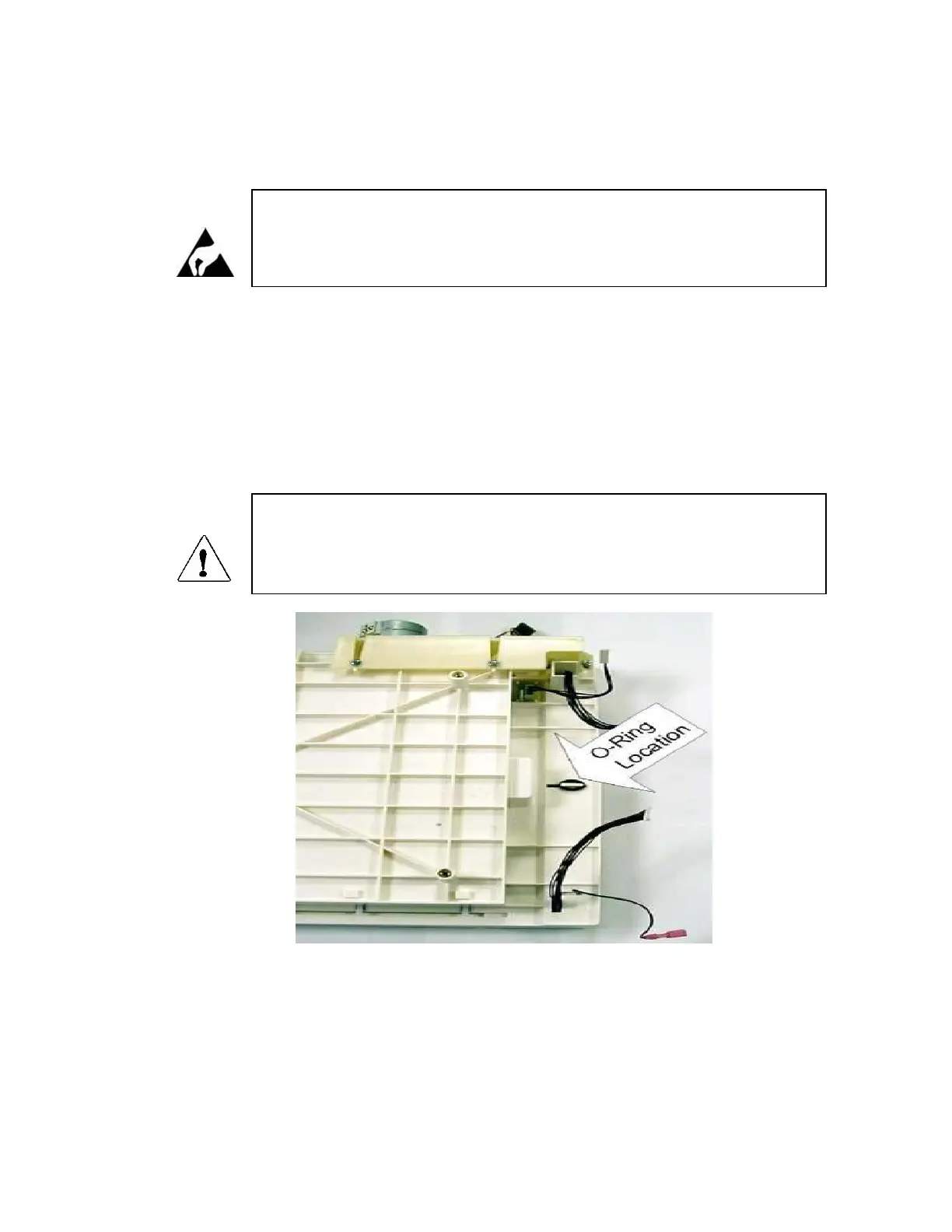
Locate the O-Ring, on the underside of the printhead assembly, that secures the printhead assembly to the writer
chassis and remove.
CAUTION
When the printhead spring bar is removed the printhead assembly will be loose. Care
should be taken if this procedure is being performed with the writer assembly out of
the unit and the writer assembly is upside down.
View from bottom of writer assembly
Open the writer door and remove the printhead spring bar.



 To Next Page