ELI 250/210__________________________________________________________________________
3-18
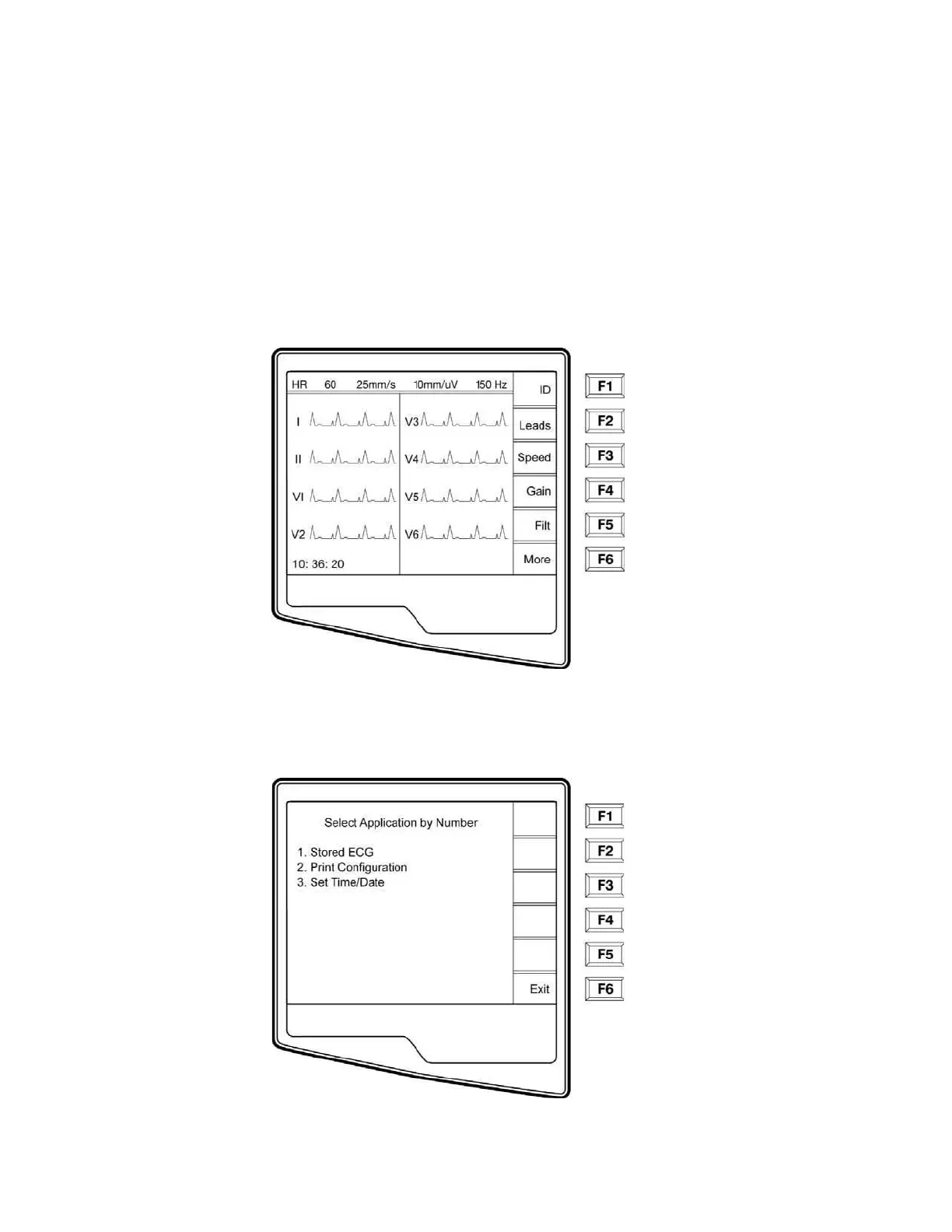
Access Configuration Menus for the ELI 210
Three configuration pages define all ELI 210 operational conditions that do not change on a daily or patient-to-
patient basis. Once you set these default conditions, you will rarely need to use the configuration screens again.
When you apply power to the ELI 210, it will operate according to the settings you have selected. To access the
configuration menus:
n Select More (F6) from the Real-Time ECG View.



 To Next Page