____________________________________________________________________________Section 6
6-5
Date / Time Test
1.) Turn the unit on.
2.) Press the F6, More, key.
3.) Press the number 3 key to select the “Date & Time” option.
Writer Tests
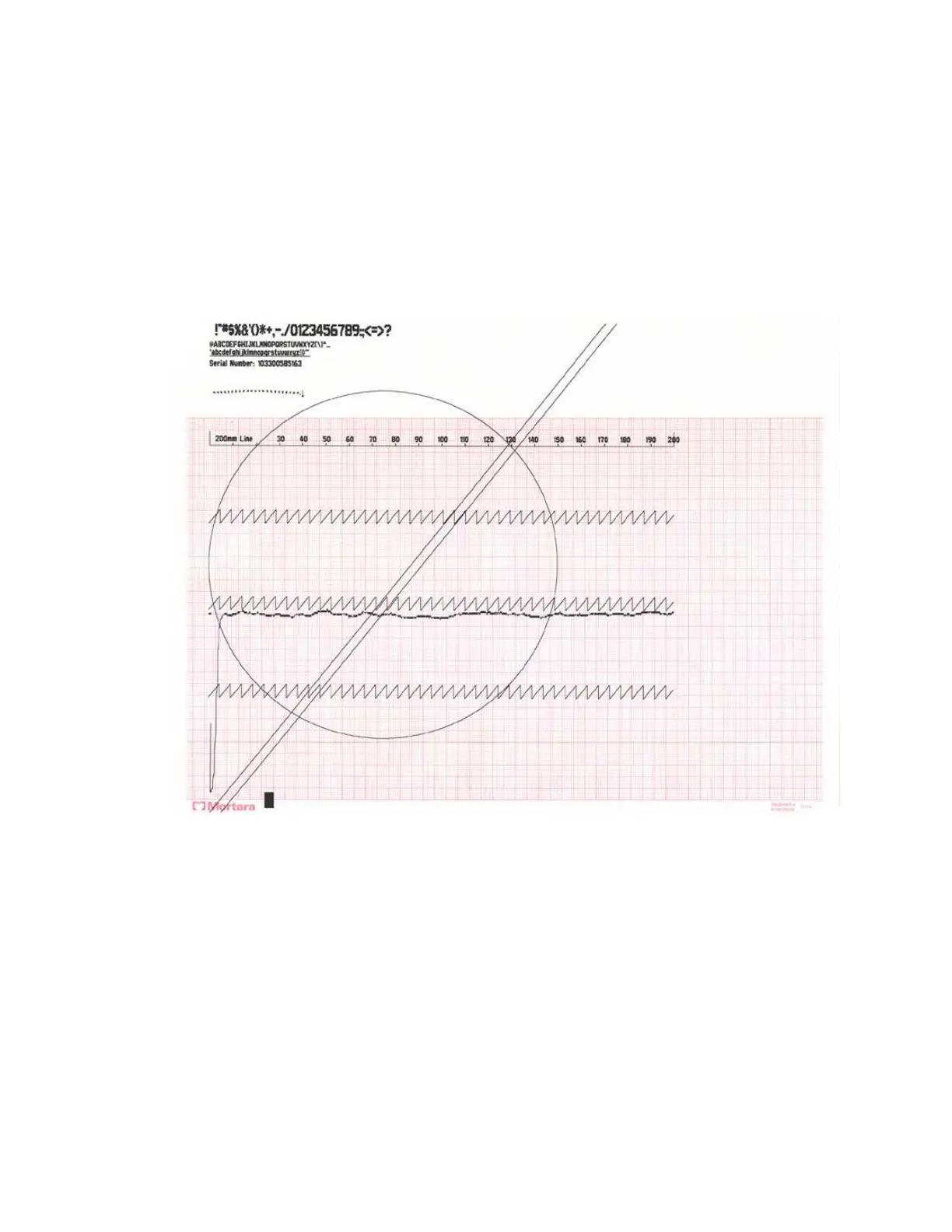
From the main menu press and hold the following key combination Alt + Shift +RHY. The following test strip will
be printed.
Note: This test should be performed with the AC power connected to the unit.
The Configuration Filter setting will have an affect on the way that the circle prints out. If the filter is set
to 300Hz, the circle will be complete as shown above. If the filter is set to a setting less than 300Hz the circle will
have a gap on the right side and not be a smooth circle.



 To Next Page