ELI 250/210__________________________________________________________________________
3-22
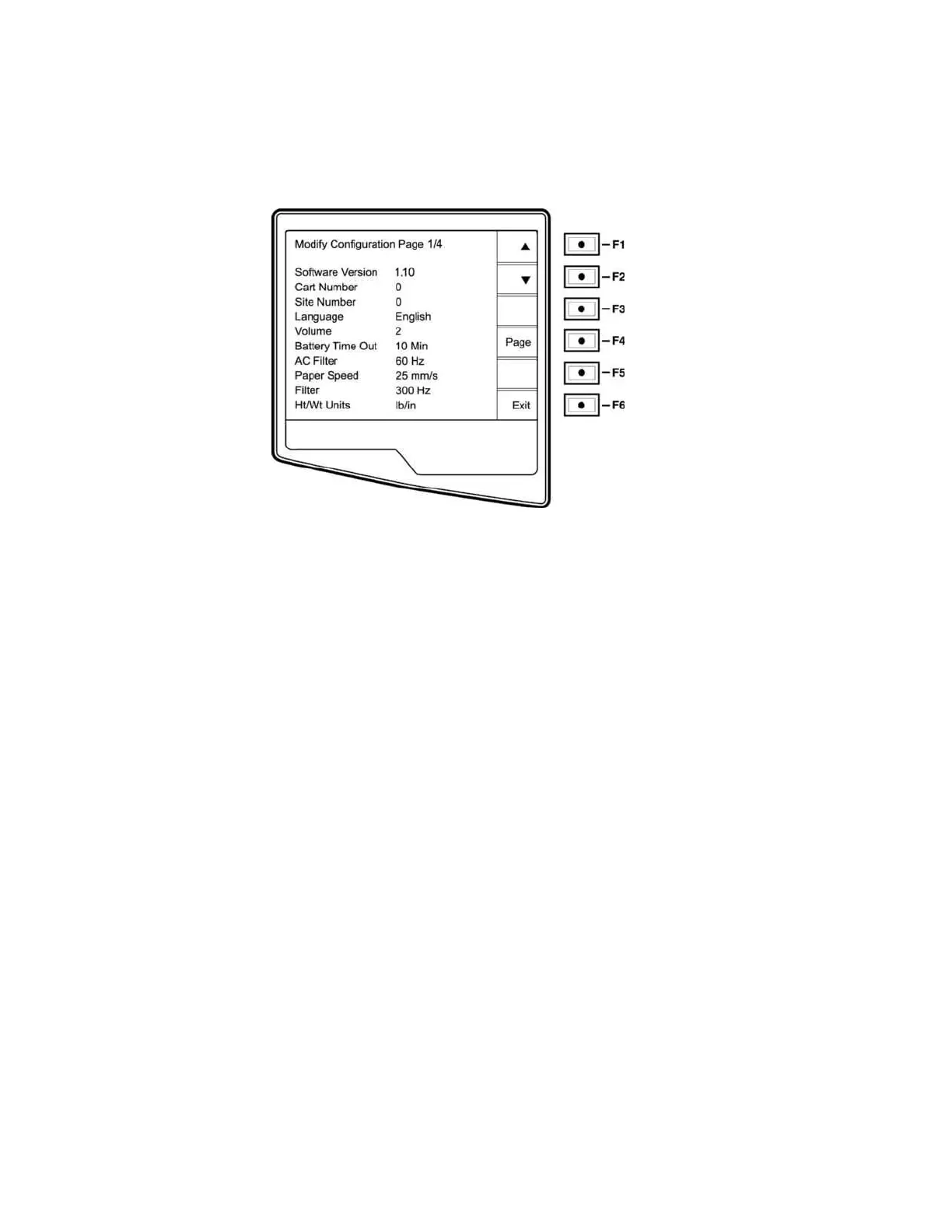
Configuration Page 1
Software Version
The displayed number identifies the firmware version of your electrocardiograph.
Cart Number
Cart numbers indicate which electrocardiograph transmitted a particular ECG. You can use up to four digits for the
cart number.
Site Number
This option identifies the site of your ELI 210. You can use up to four digits for the site number.
Language
There are several languages available on the cardiograph.
CAUTION: upon selecting a new language and exiting the configuration screen, function labels are
immediately translated.
If an unknown language is visible, use the following steps to revert to the language of your country:
7. F6 from Real-Time ECG View
8. Select number 3
9. Simultaneously press ▲ (F1) and ▼ (F2).
10. Press F2 (▼) two times
11. Press F3 (►) until the desired language appears
12. F6 to return to Real-Time ECG View
Volume
This option defines the keyboard click loudness. Available settings rage from 0 (off) to 8 (loud).
Battery Timeout



 To Next Page