____________________________________________________________________________Section 3
3-19
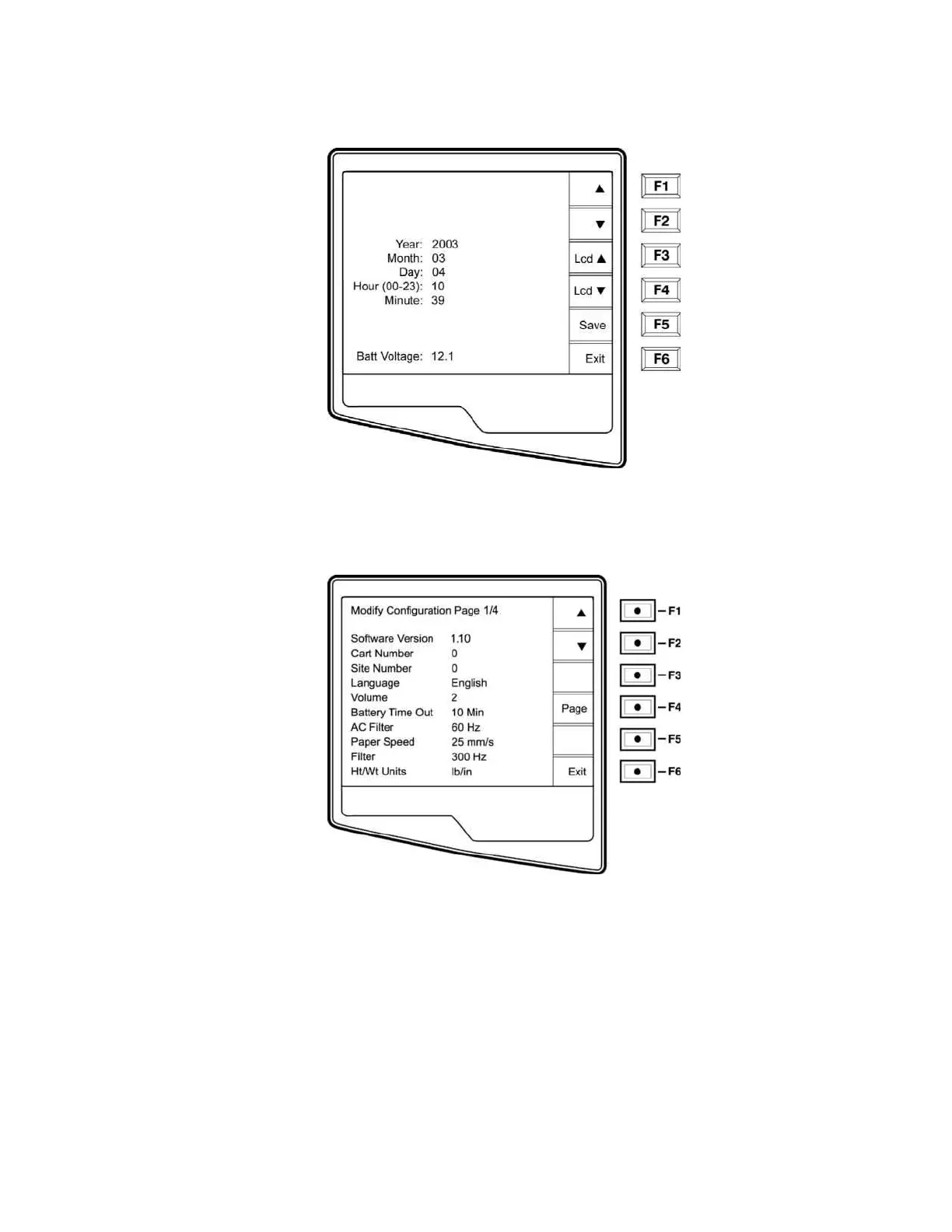
o Select Set Time/Date (number 3) from the application menu.
p Simultaneously press ▲ (F1) and ▼ (F2). The first configuration screen will appear. There
are a total of 3 configuration screens. Notice the page indicator in the upper right hand corner
on each screen.
NOTES: Use Page (F4) to toggle through the three configuration pages.
Use ▲ (F1) and ▼ (F2) to move back and forth through each configuration option.
Use ► (F3) to toggle through pre-programmed available settings per configuration field.
Use Exit (F6) to return to the Real-Time ECG View. Any changes you have made will be saved.
The following chart summarizes the configuration screens and the available options for each parameter.



 To Next Page