__________________________________________________________________________Appendix B
B-9
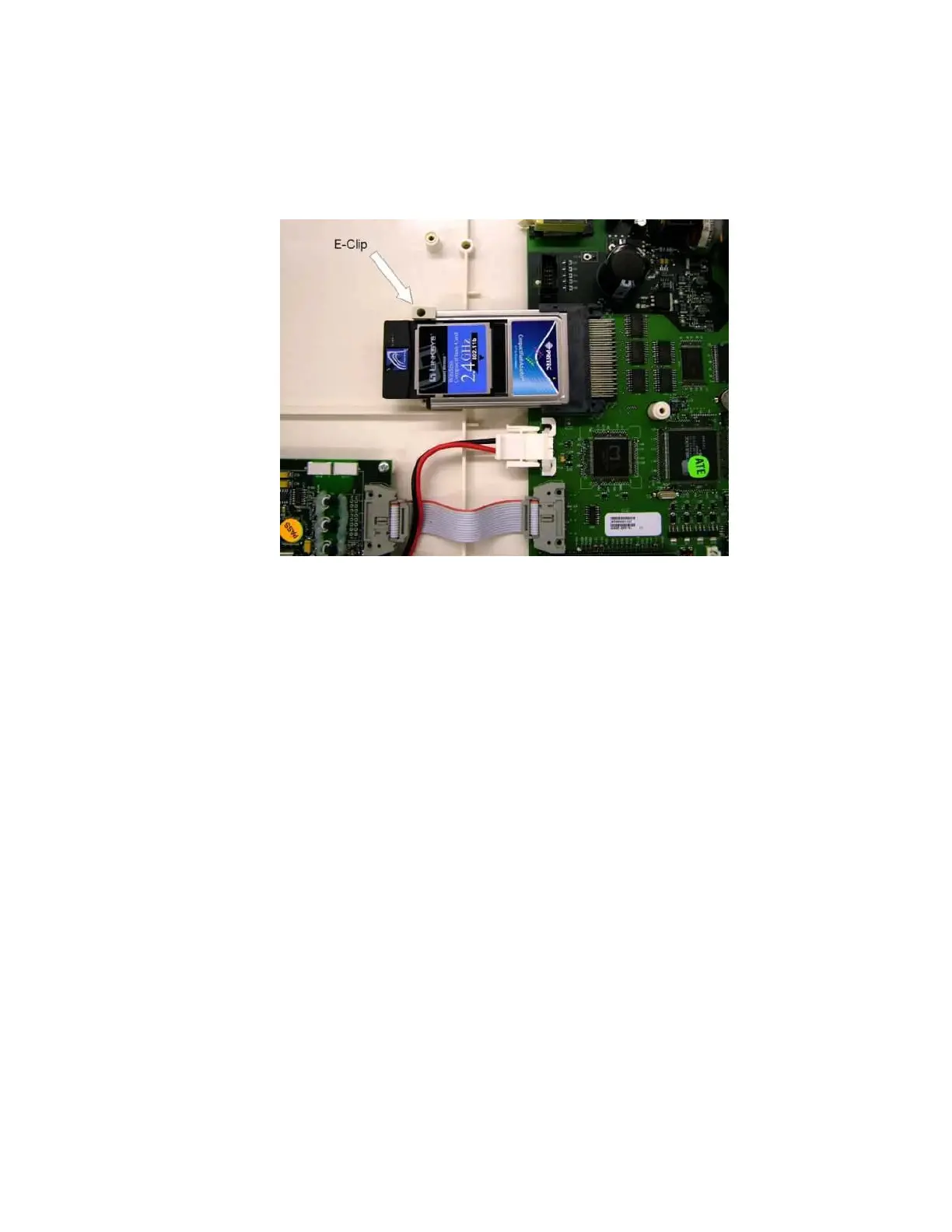
Wireless LAN card (WLAN) Removal
1. Open the unit to access the motherboard.
2. Locate the WLAN card, item number 41, connected to the PCMCIA slot on the motherboard.
3. Remove the E-clip, Item #42 and 48, that retains the WLAN card.
4. Slide the WLAN card out of the PCMCIA slot.
5. Reassemble unit in reverse order.



 To Previous Page