___________________________________________________________________________ Section 4
4-5
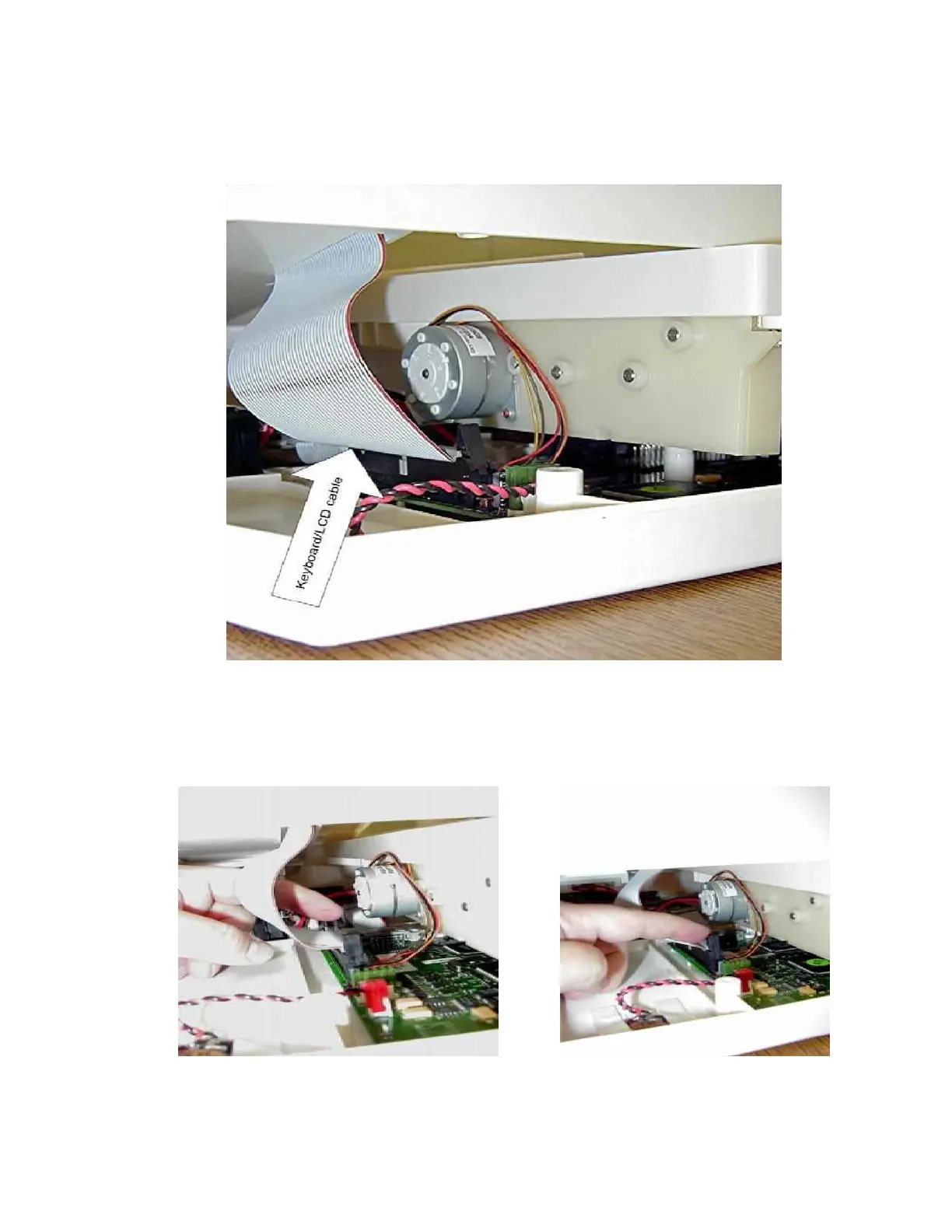
Lift up and rotate the right side of the top cover to left a small distance. Rest the cover on the top of the writer this
will allow you to remove the Keyboard/LCD cable, item number 34, from the motherboard.
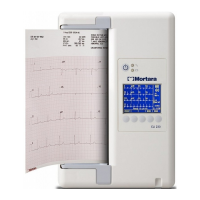
Note: Slide your hand into the unit and disconnect the Keyboard/LCD, item 34, ribbon cable from the
motherboard. This cable may be inserted into a quick-disconnect connector. Flip the latches of the
connector and the cable will release. Not all motherboards will have the latches to secure the keyboard
cable.



 To Next Page