___________________________________________________________________________ Section 4
4-9
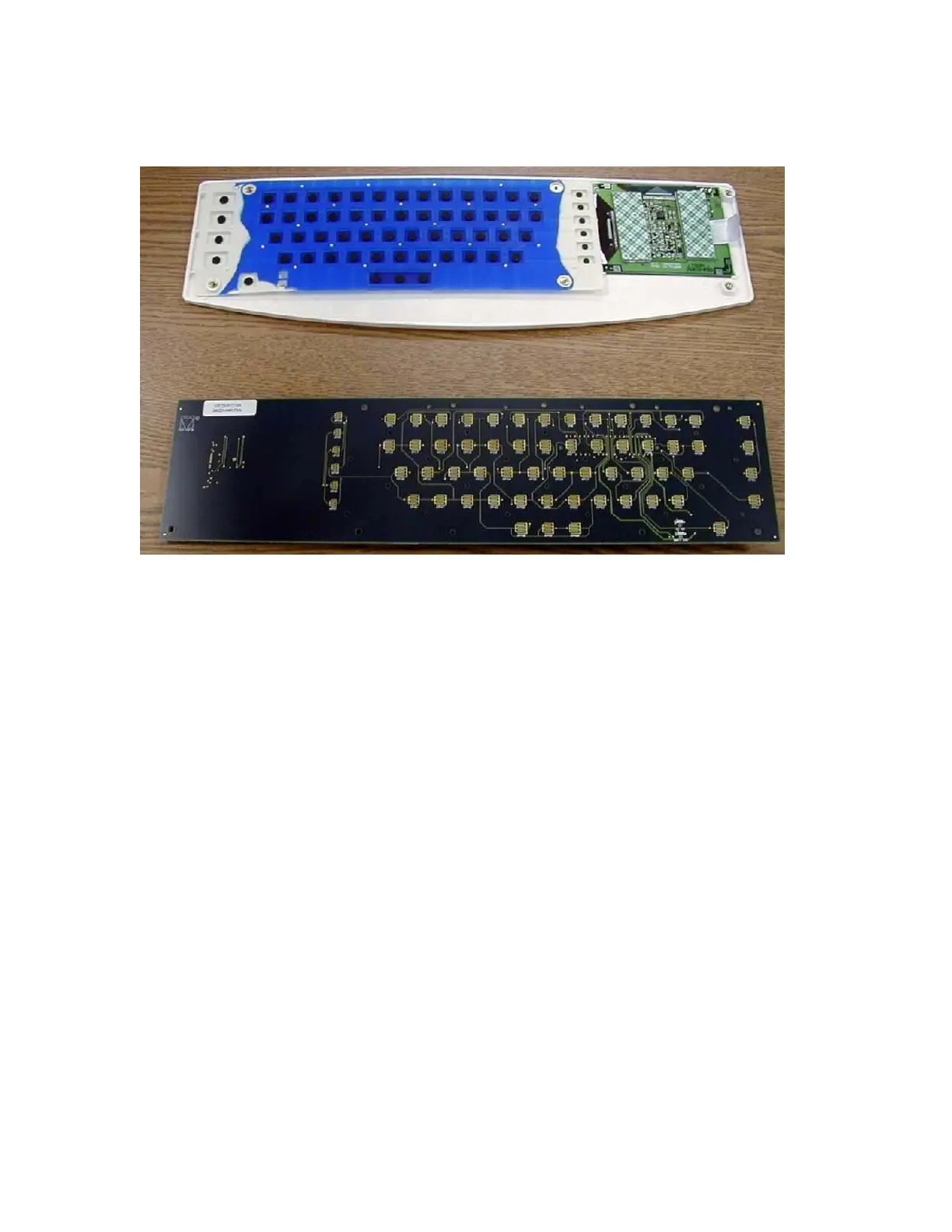
The keyboard circuit board, item number 3 for the ELI 250 and item number 4 for the ELI 210, can then be lifted
off the assembly.
The silicon key pad, item 9 for the ELI 250 and item 10 for the ELI 210, can now be removed from the keyboard
bezel, item 22 for the ELI 250 and item 23 for the ELI 210, along with the LCD.
The LCD is attached to the keyboard bezel by means of double-sided tape, item number 50, near the top of the
LCD. Care should be taken when removing the LCD from the bezel.



 To Next Page