Page 23
SHOT MEASUREMENT / UNITS OF MEASURE
Shot Measurement
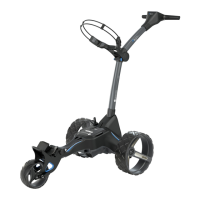
It is possible to use your trolley to measure the length of a shot taken.
Distances are measured using GPS co-ordinates, which means that you do not need to walk in a
straight line between shots to provide an accurate measurement. Shots can be measured in both
yards and metres.
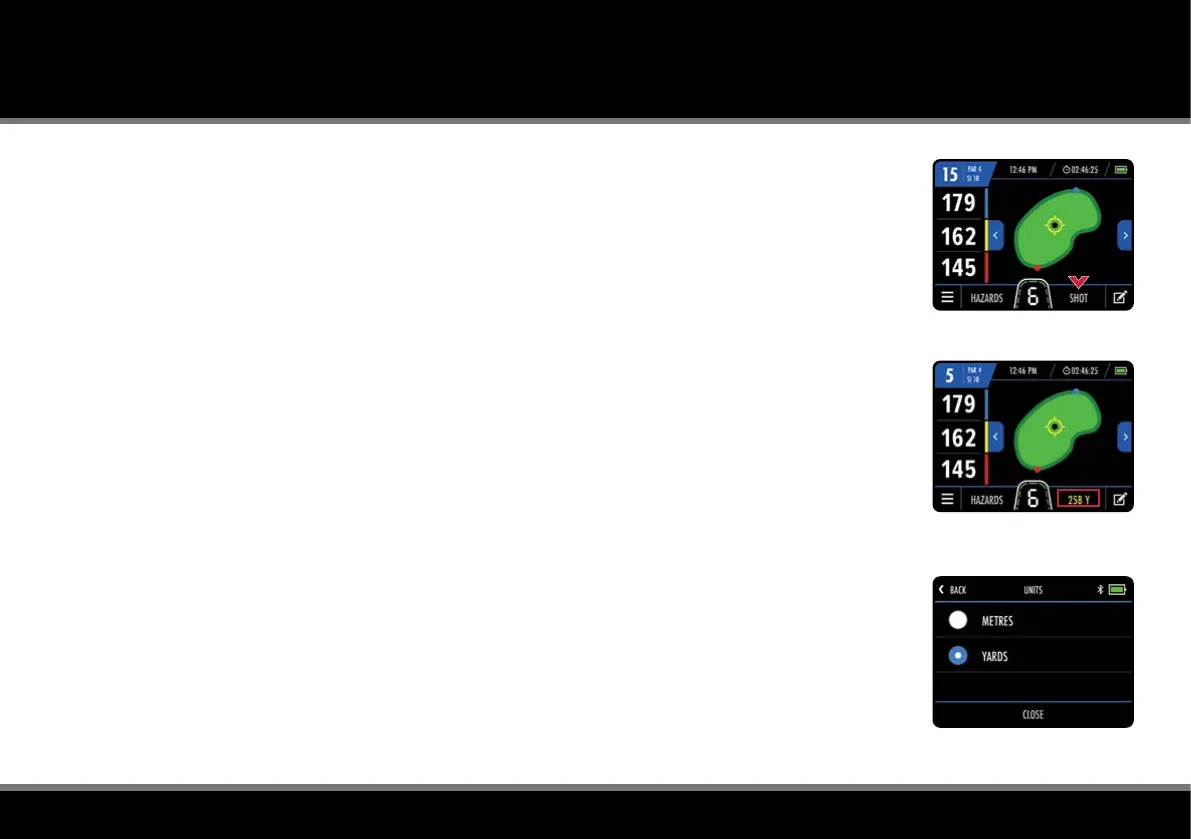
To measure shot distance, press "Shot" on the GPS Mode screen (g. 1) before setting off to nd
your ball. The "Shot" text will be replaced with a yellow number (g. 2) and start measuring the
distance from the point at which it was started.
To stop measuring, touch the shot measurement distance to close.
Units of Measure
The trolley can display and measure distances in either Yards or Metres. To select preferred units:
1. From the Home screen select “Settings” and then “Units”
2. Select “Yards” or “Metres” (g. 3)
3. Select "Close" to exit
This can also be changed from the GPS Mode settings menu.
Fig 3 - Units of Measure
Fig 1 - GPS Mode
Fig 2 - GPS Mode - Shot Distance



 To Next Page