Procedure:
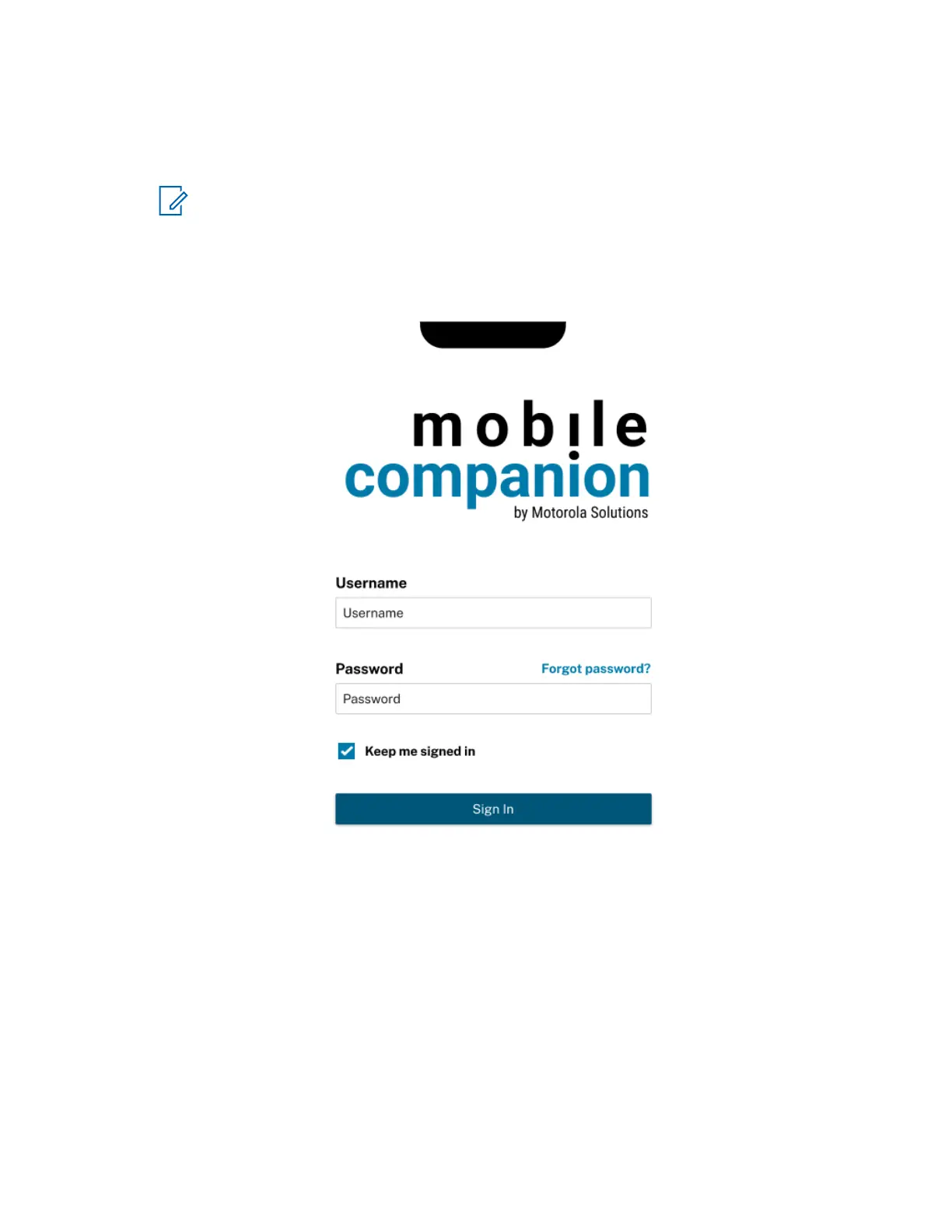
1 Open the Mobile Companion app on an Android or iOS device.
2 Tap the Serversite drop-down menu and select the desired LEARN or ClientPortal server.
NOTE: Vigilant VehicleManager users normally leave LEARN-NVLS selected.
3 Enter your Vigilant VehicleManager or ClientPortal username and password.
4 Tap Sign In.
Figure 5: Mobile Companion Login Screen
MN008660A01-AC
Chapter 2 : Pre-Installation
20


 To Next Page
 Loading...




