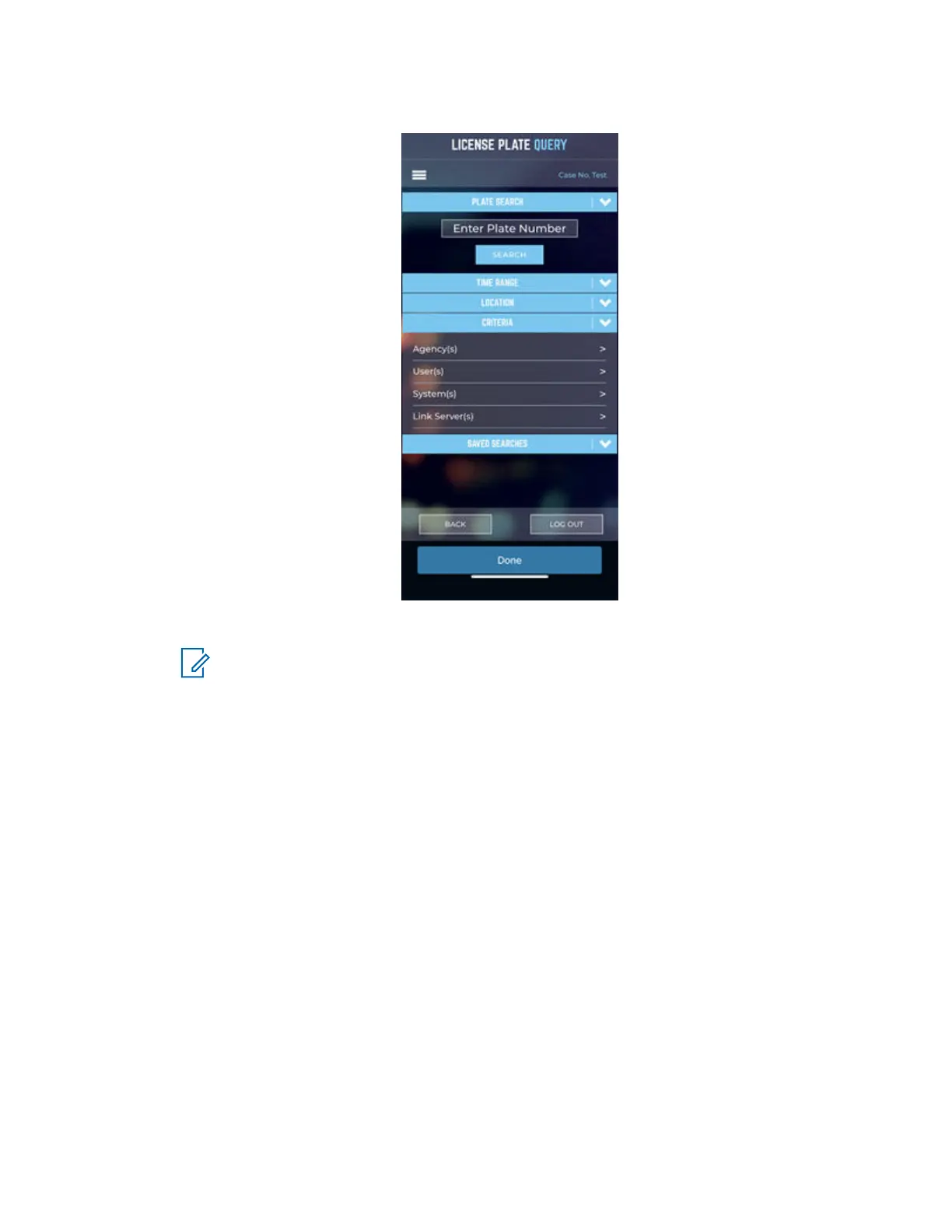
Figure 34: Search Plate Number
License plates scanned by the recently installed camera should appear in the search results.
NOTE: Any other license plates scanned under the logged on user will also appear.
7 In the results, tap a license plate and verify that the address information is correct for the
recently installed camera.
8 To refine the aim of the camera as necessary, use the search results.
MN008660A01-AC
Chapter 3 : Hardware Installation
55



 To Next Page
 Loading...




