2.4
Viewing Camera Details in Mobile Companion
Use the Cameras screen to view a list of cameras installed through the app, camera details, and
camera management options. Paused installations for each camera can be resumed from the Camera
Details screen.
Prerequisites: Log in to Mobile Companion if logged out.
Procedure:
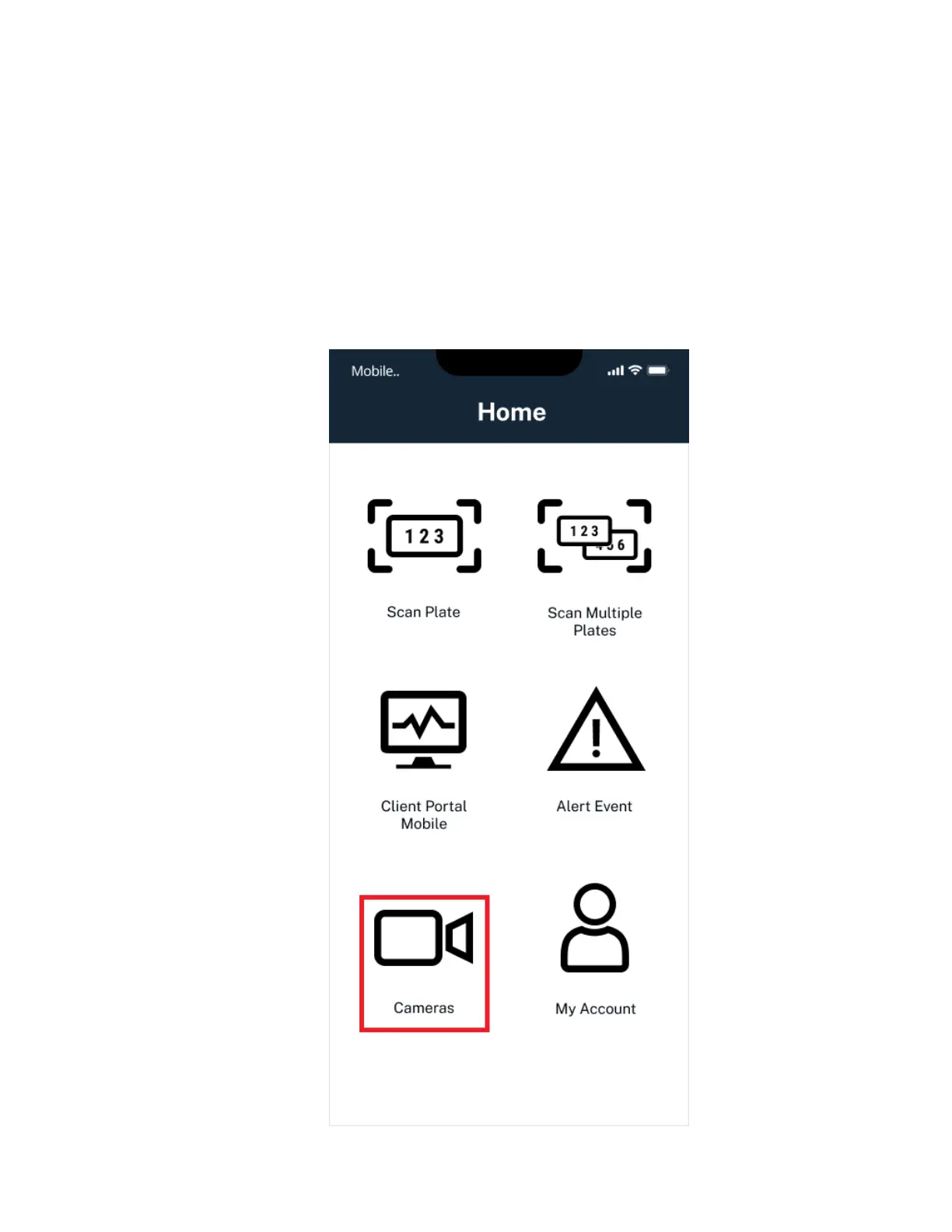
1 From the Home screen, select Cameras.
Figure 6: Mobile Companion Home Screen
MN008660A01-AC
Chapter 2 : Pre-Installation
21



 To Next Page
 Loading...




