2 To adjust the aim, grip the camera firmly with one hand while watching the screen of the mobile
phone.
3
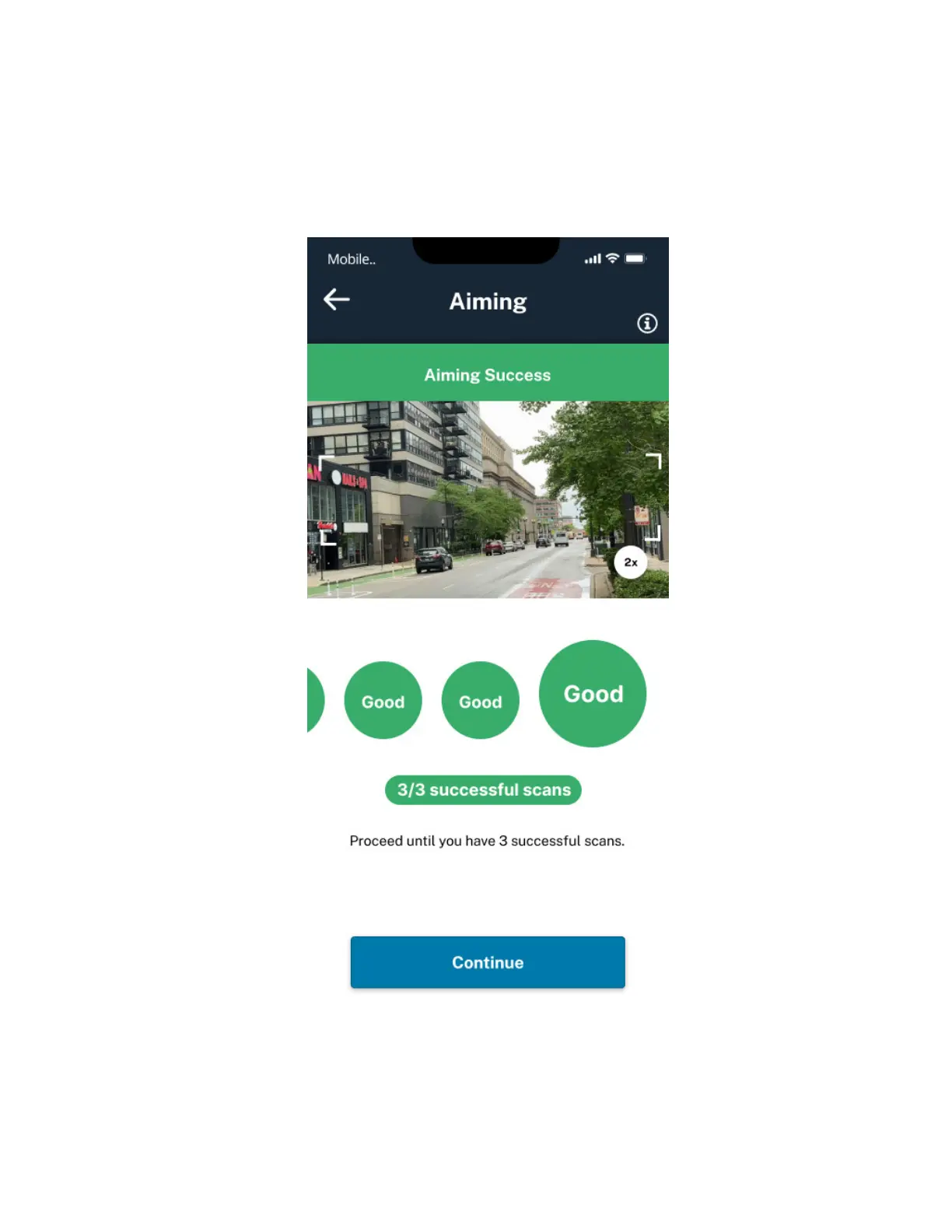
4 Adjust the camera until three successful scans have been made. Tap Continue.
Figure 31: Aiming Success
5 Use the Hex tool to lock in the aim and secure the position of the camera.
6 Secure any power cables with the Reusable Zip-ties.
MN008660A01-AC
Chapter 3 : Hardware Installation
52



 To Next Page
 Loading...




