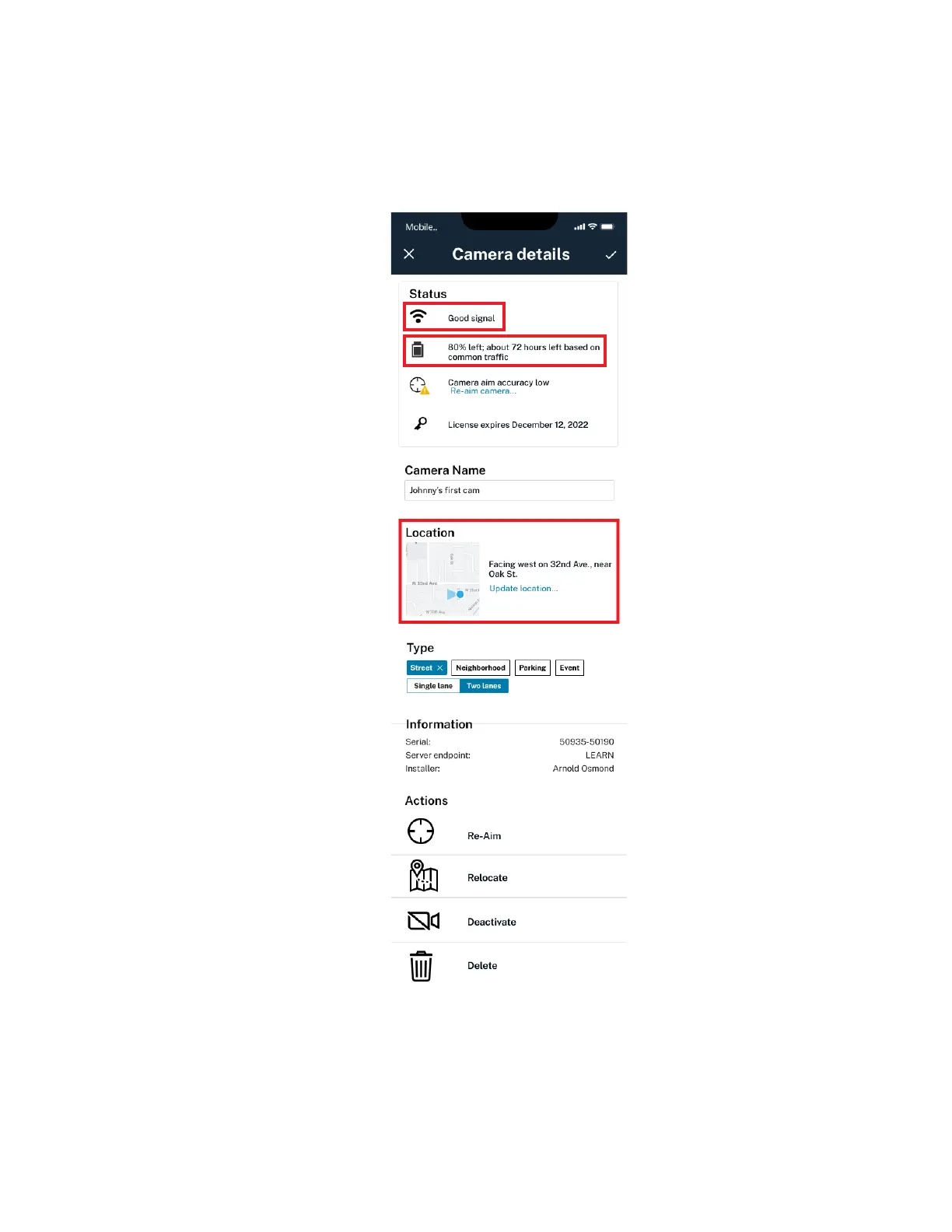
5 Check the Signal Status to verify that the selected camera's SIM card is active and correctly
installed.
6 Check the Battery Level and verify that there is sufficient charge.
Figure 8: Status
7 Check the Location reported by the camera. If incorrect, use the Update location... link to
update the location and direction the camera is facing.
8 If necessary, update the road type that the camera is on.
MN008660A01-AC
Chapter 2 : Pre-Installation
23



 To Next Page
 Loading...




