Option Actions
c In a well lit area, hold the phone cam-
era about one foot away from the QR
code. Center the QR code in the camera
frame until it scans and the next screen
appears.
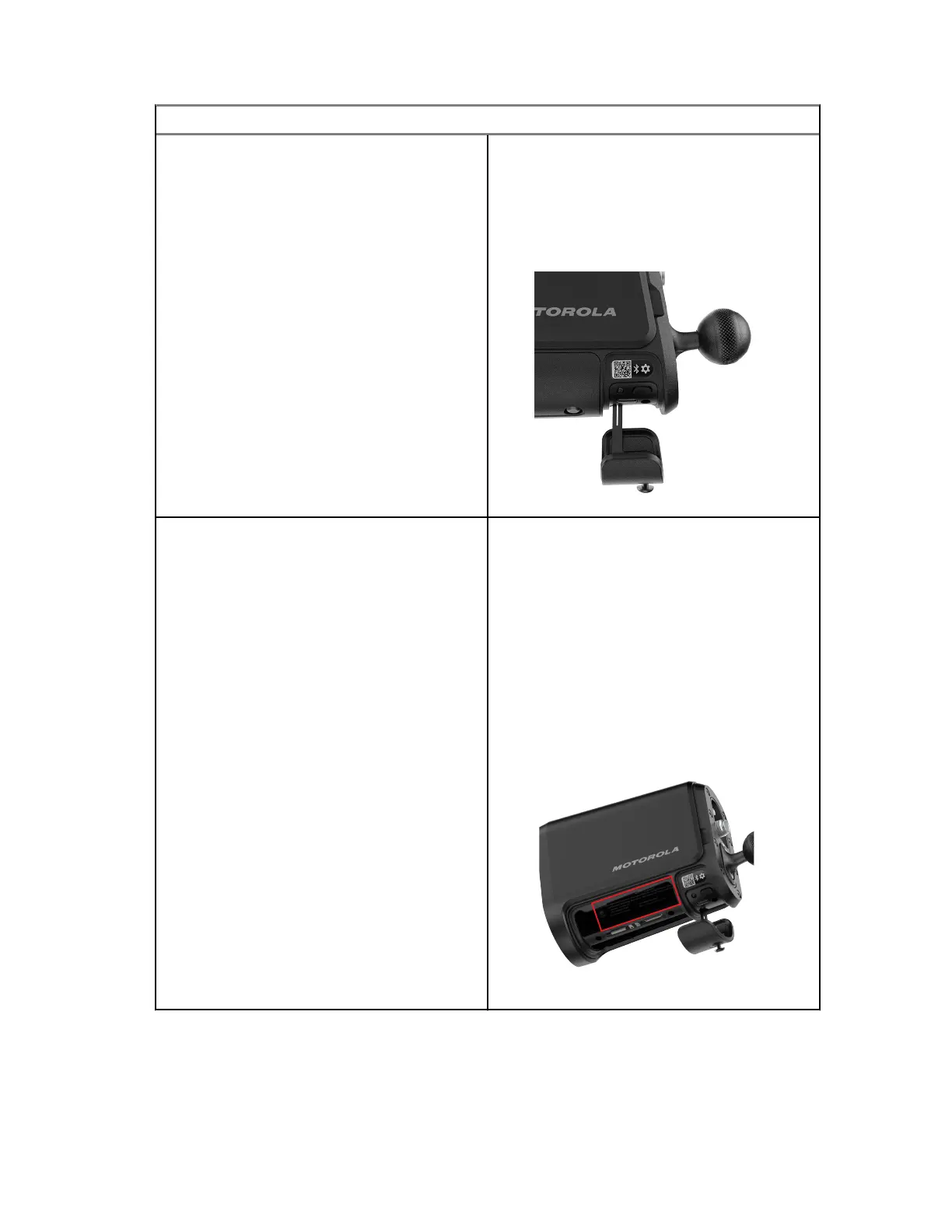
Figure 17: QR Code Location
Enter Serial Number
a Select the Enter Serial Number option
on the Pair Camera screen.
b Locate the camera serial number inside
the battery compartment. To avoid re-
moving the battery, instead scan the QR
code inside the Charging Port Door with
a mobile phone camera app.
c Enter the <serial number> into the
Serial Number field in the app and tap
Pair Camera when finished.
Figure 18: Serial Number Location
8 When the pairing process is complete, perform one of the following actions:
• Select Start hardware installation and skip to the Hardware Installation section if you are
ready to begin the hardware installation process.
• Select No, I'm not ready to install to return to the Cameras screen and resume the
installation process at a later time.
MN008660A01-AC
Chapter 2 : Pre-Installation
34



 To Next Page
 Loading...




