If… Then…
Solar Panel Power Cables Secure the power cables from the solar panel.
AC or DC Power Cables Secure the power cable from the AC or DC power source.
7 Trim any excess material from the zip ties.
8 Tap Done to return to the Home screen once the installation is complete.
3.6.3
Verifying Successful Capture with LEARN Mobile
Prerequisites: Access to LEARN Mobile in the Mobile Companion application is required to verify that
L6Q is capturing license plates properly.
Procedure:
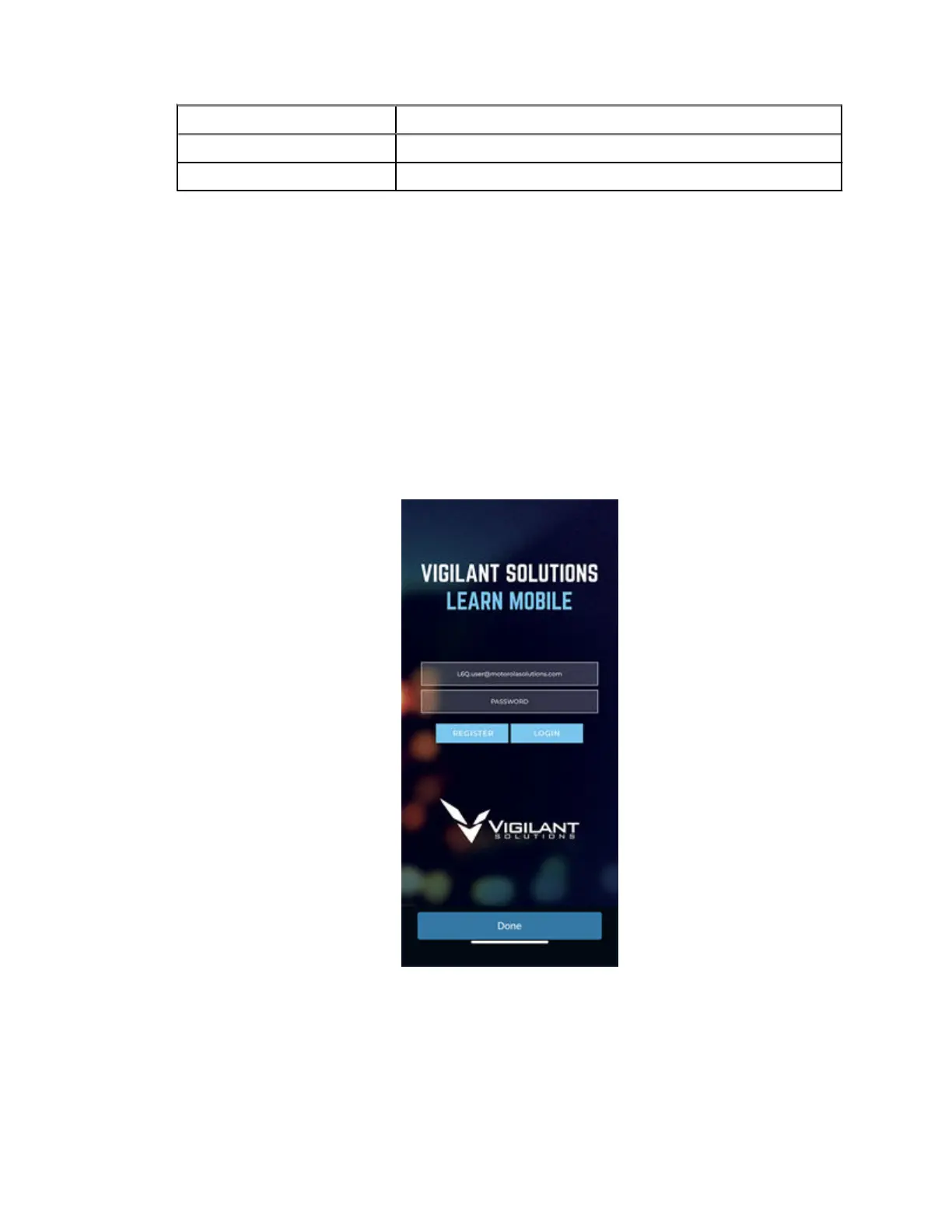
1 From the Mobile Companion home screen, tap LEARN Mobile.
2 Log on to LEARN Mobile by using the same username and password that was used to log on to
Mobile Companion.
Figure 32: LEARN Mobile Login Screen
3 If this is the first time the account is logged on, to force log on tap Yes and and to accept the
LEARN Security Policy, select Accept.
4 Tap VehicleManagerLicense Plate Query.
MN008660A01-AC
Chapter 3 : Hardware Installation
53



 To Next Page
 Loading...




