10
Network Camera User Manual
4 Network Camera Configuration
In the Webcam client, choose “Config” to go to the configuration interface.
Note: Wherever applicable, click the “Save” button to save the settings.
4.1 System Configuration
4.1.1 Basic Information
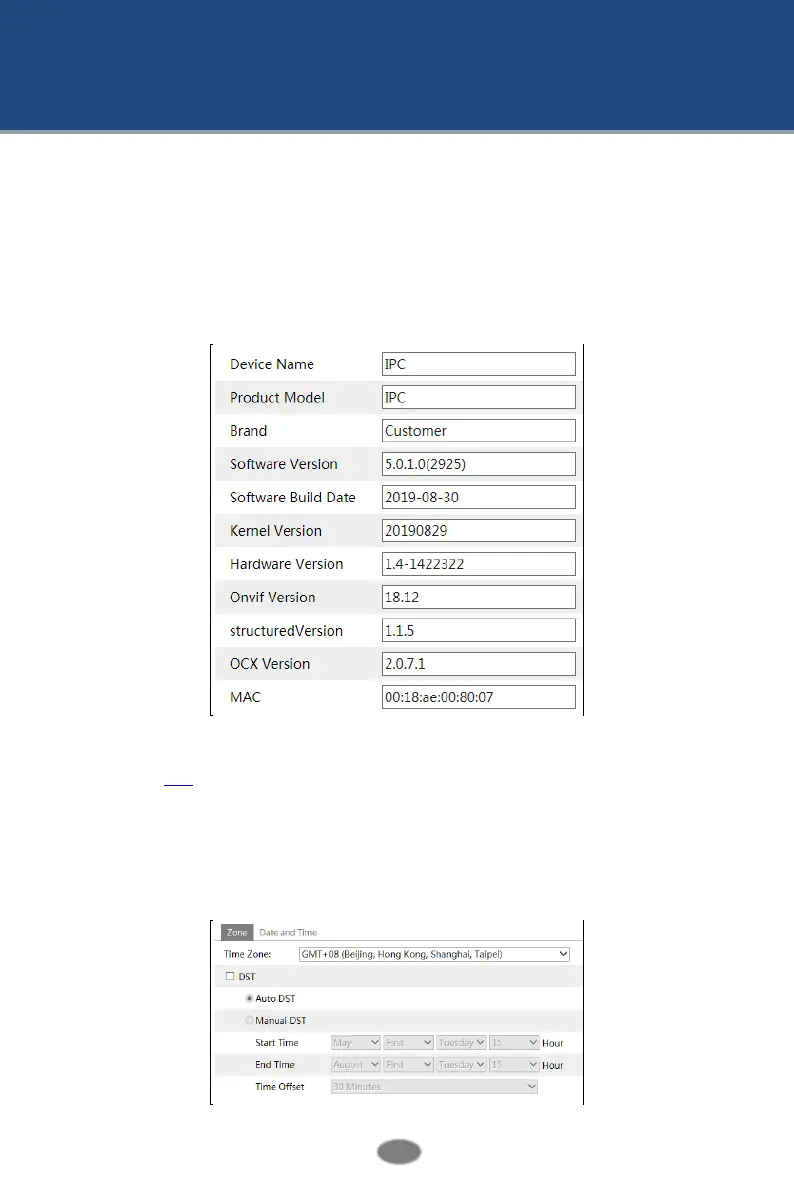
In the “Basic Information” interface, the system information of the device is listed.
Some versions may support device ID and QR code. If P2P is enabled (see Network
Configuration-P2P), the network camera can be quickly added to mobile surveillance client,
by scanning the QR code or entering device ID.
4.1.2 Date and Time
Go to ConfigSystemDate and Time. Please refer to the following interface.












 To Next Page