46
Network Camera User Manual
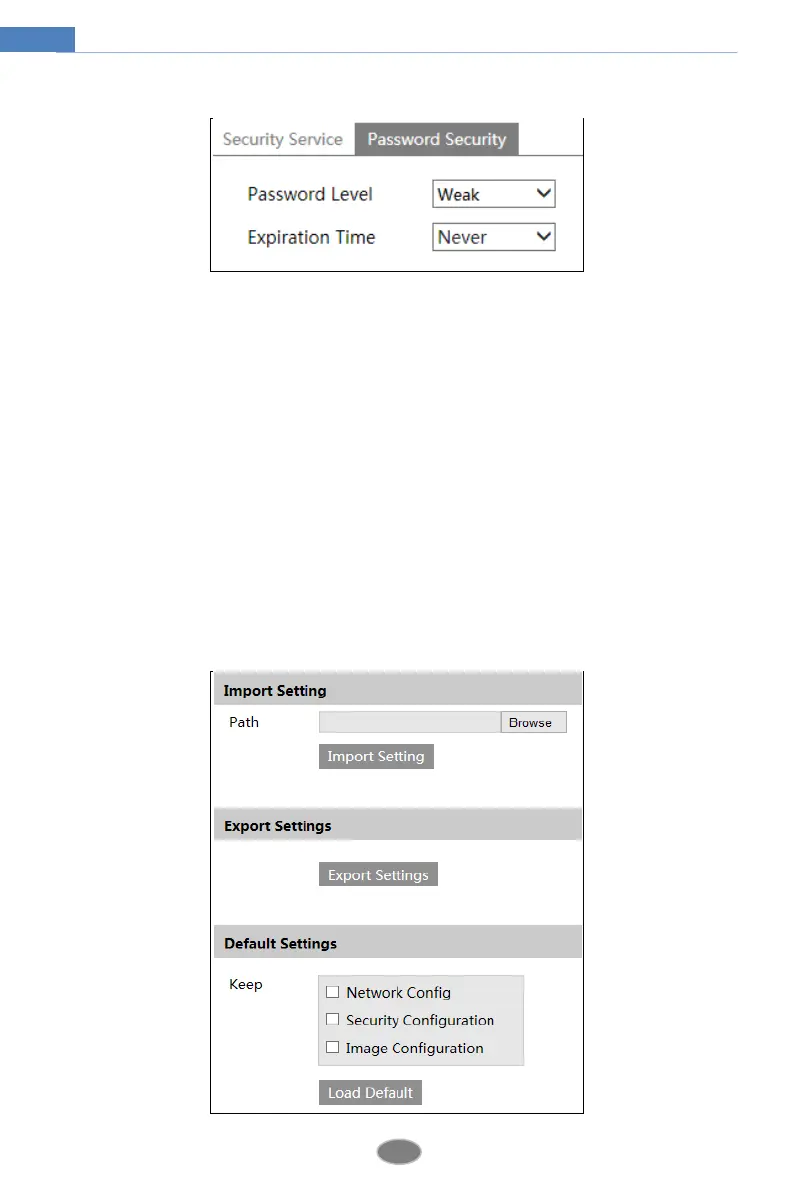
Password Security
Please set the password level and expiration time as needed.
Password Level: Weak, Medium or Strong.
Weak level: Numbers, special characters, upper or lower case letters can be used. You can
choose one of them or any combination of them when setting the password.
Medium Level: 9~15 characters, including at least two of the following categories: numbers,
special characters, upper case letters and lower case letters.
Strong Level: 9~15 characters. Numbers, special characters, upper case letters and lower case
letters must be included.
For your account security, it is recommended to set a strong password and change your
password regularly.
4.8 Maintenance Configuration
4.8.1 Backup and Restore
Go to ConfigMaintenanceBackup & Restore.












 To Next Page