51
Network Camera User Manual
5.2 Video Search
5.2.1 Local Video Search
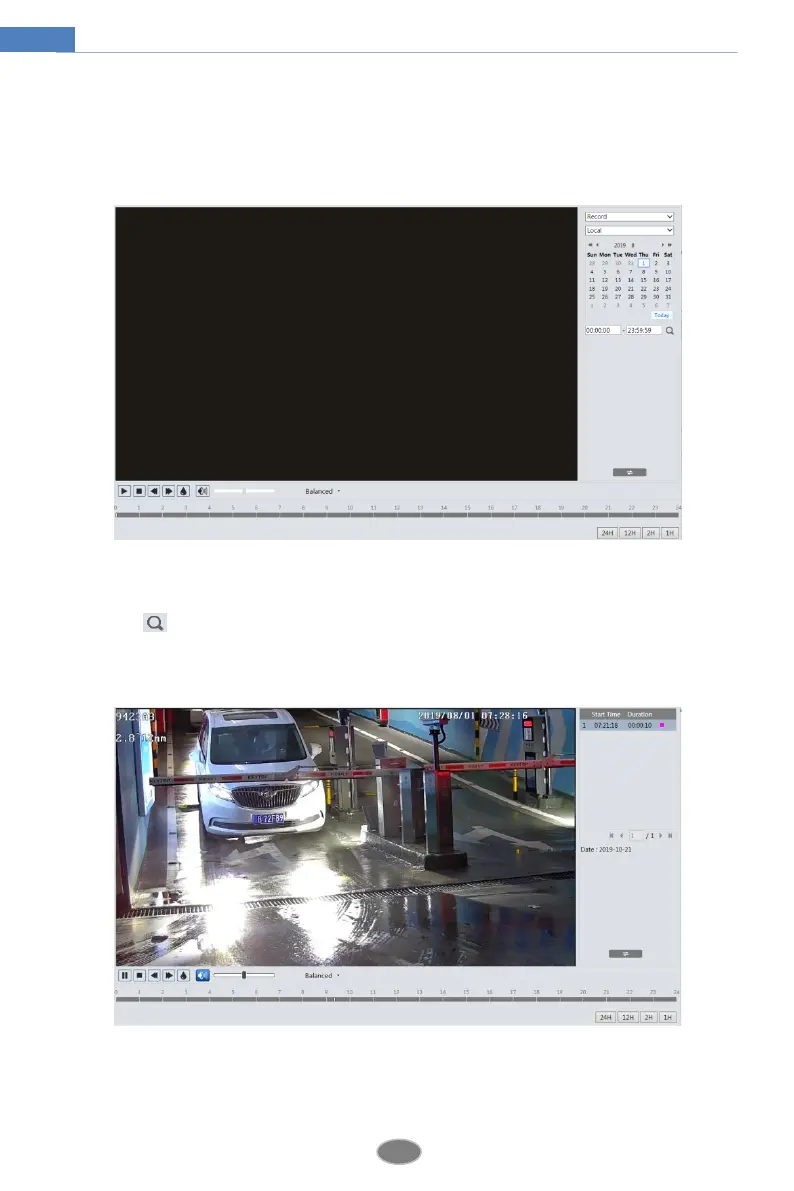
Click Search to go to the interface as shown below. Videos were recorded locally to the PC
can be played in this interface.
1. Choose “Record”—“Local”.
2. Set search time: Select the date and choose the start and end time.
3. Click to search the images.
4. Double click on a file name in the list to start playback.












 To Next Page