20
Network Camera User Manual
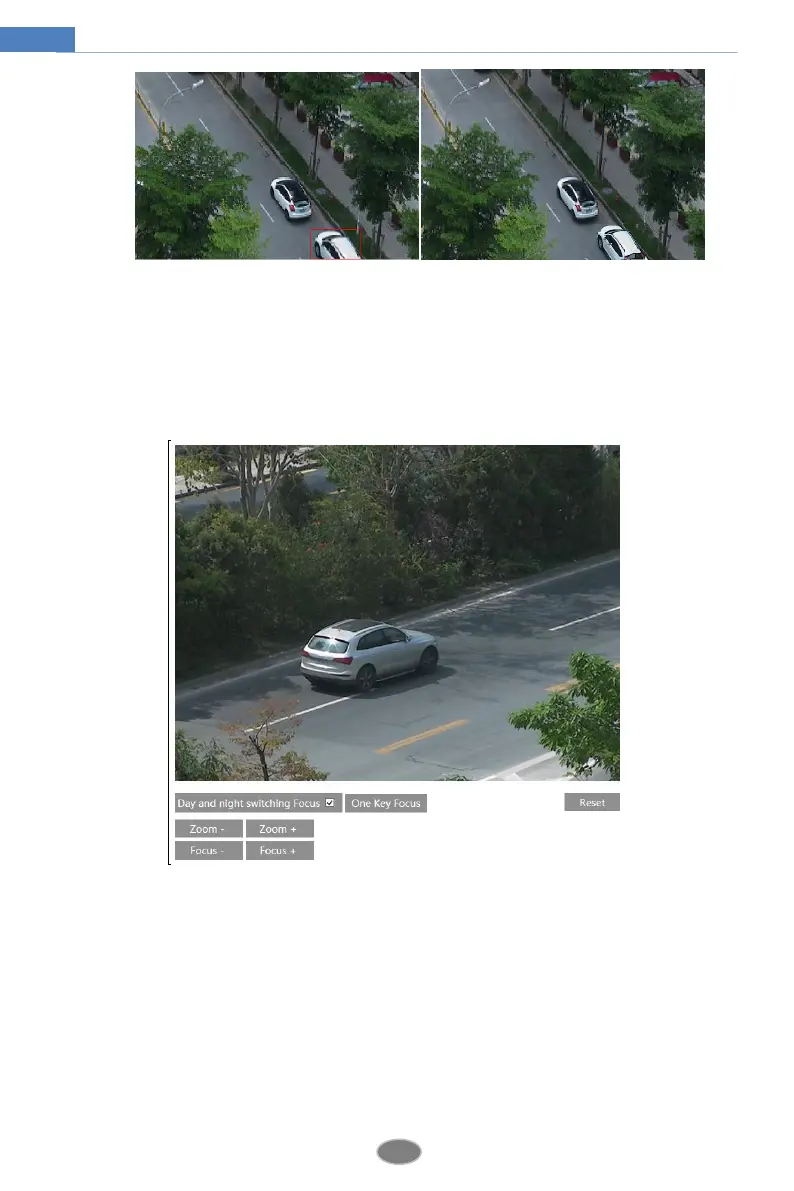
4.2.6 Lens Control
This function is only available for the model with motorized zoom lens. Within this
section, zoom and focus can be controlled. If the image is out of focus after a manual
adjustment, one key focus can be used to set the focus automatically. Go to ConfigImage
Zoom/Focus interface to set.
4.3 PTZ Configuration
This function is only available for the model with RS485 interface. It can be used with a
compatible external PTZ enclosure. Go to PTZProtocol interface as shown below.












 To Next Page