42
Network Camera User Manual
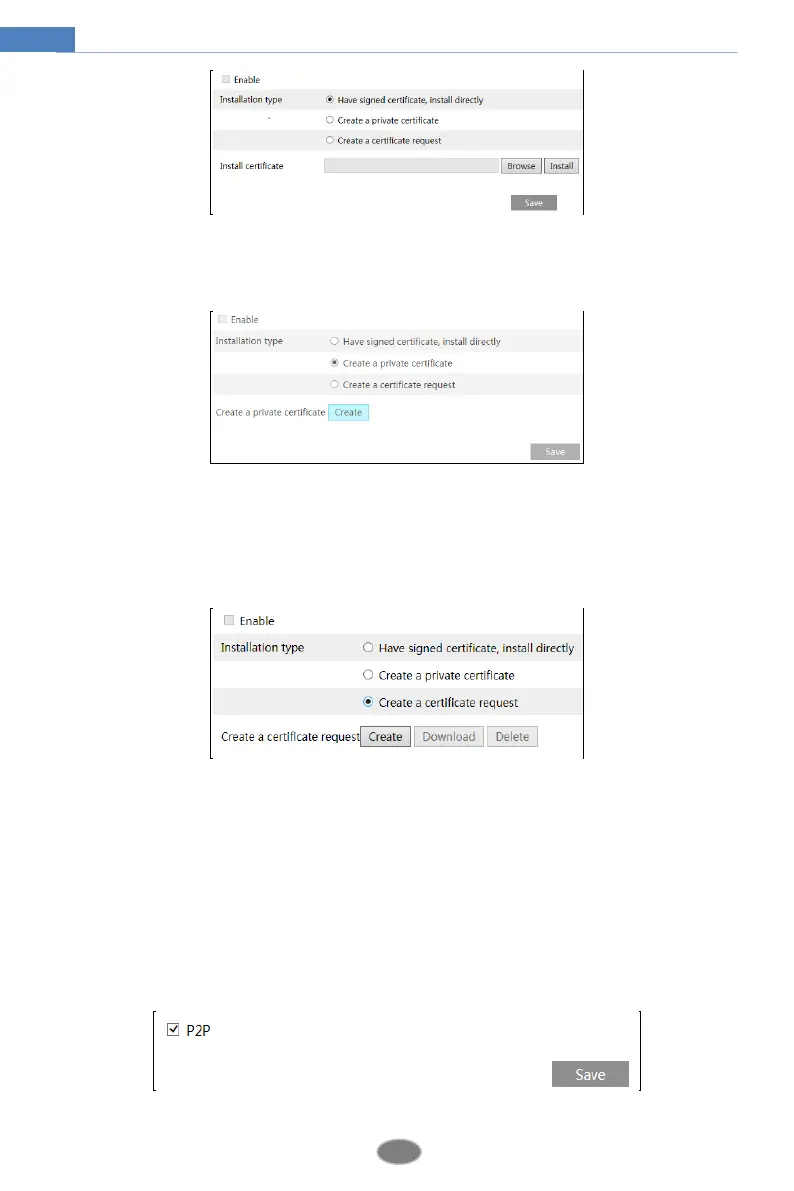
* If there is a signed certificate, click “Browse” to select it and then click “Install” to install it.
* Click “Create a private certificate” to enter the following creation interface.
Click the “Create” button to create a private certificate. Enter the country (only two letters
available), domain (camera’s IP address/domain), validity date, password, province/state,
region and so on. Then click “OK” to save the settings.
* Click “Create a certificate request” to enter the following interface.
Click “Create” to create the certificate request. Then download the certificate request and
submit it to the trusted certificate authority for signature. After receiving the signed certificate,
import the certificate to the device.
4.6.12 P2P (Optional)
If this function is enabled, the network camera can be quickly accessed by adding the device
ID in mobile surveillance client or CMS/NVMS client via WAN. Enable this function by
going to ConfigNetworkP2P interface.












 To Next Page