22
Network Camera User Manual
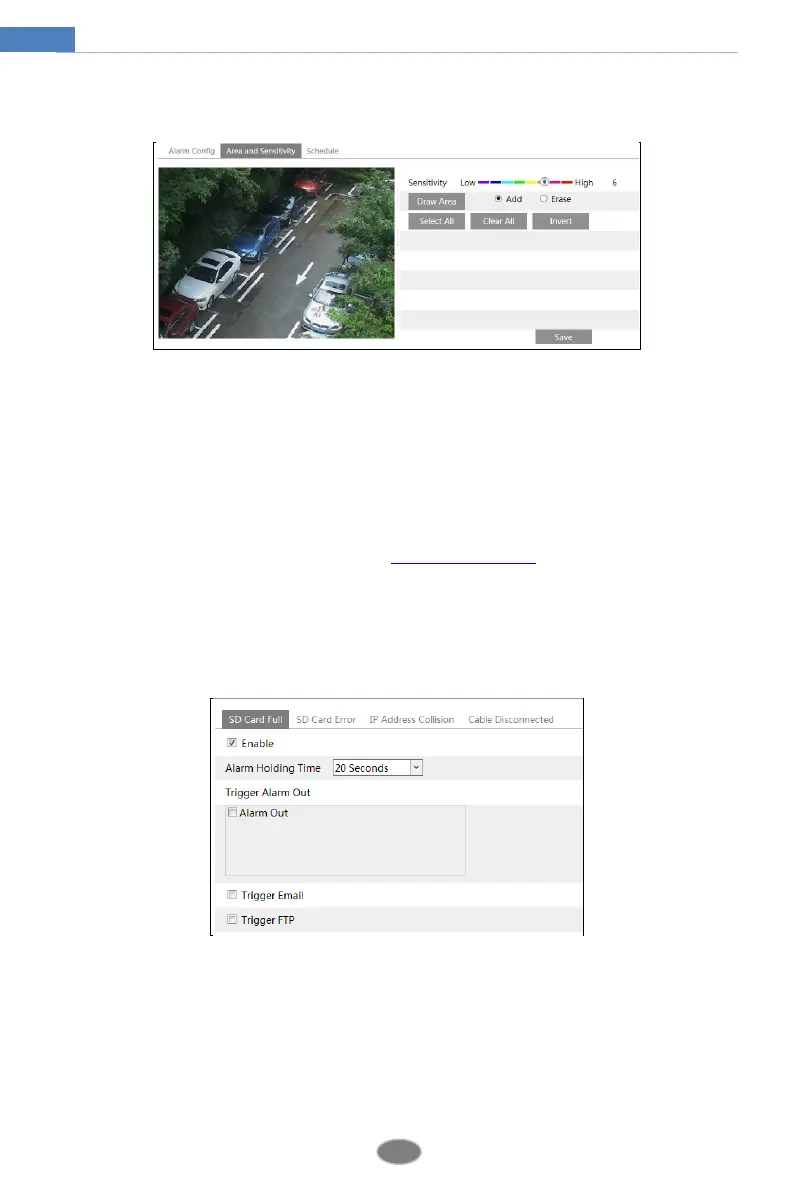
2. Set motion detection area and sensitivity. Click the “Area and Sensitivity” tab to go to the
interface as shown below.
Move the “Sensitivity” scroll bar to set the sensitivity. Higher sensitivity value means that
motion will be triggered more easily.
Select “Add” and click “Draw”. Drag the mouse to draw the motion detection area; Select
“Erase” and drag the mouse to clear motion detection area.
After that, click the “Save” to save the settings.
3. Set the schedule for motion detection. The schedule setup steps of the motion detection are
the same as the schedule recording setup (See Schedule Recording).
4.4.2 Other Alarms
SD Card Full
1. Go to ConfigAlarmAnomalySD Card Full.
2. Click “Enable” and set the alarm holding time.
3. Set alarm trigger options. The setup steps are the same as motion detection. Please refer to
motion detection chapter for details.
SD Card Error
When there are some errors in writing SD card, the corresponding alarms will be triggered.
1. Go to ConfigAlarmAnomalySD Card Error as shown below.












 To Next Page