52
Network Camera User Manual
Play button. After pausing
the video, click this button
to continue playing.
Enable / disable audio; drag the slider to adjust the volume after
enabling audio.
5.2.2 SD Card Video Search
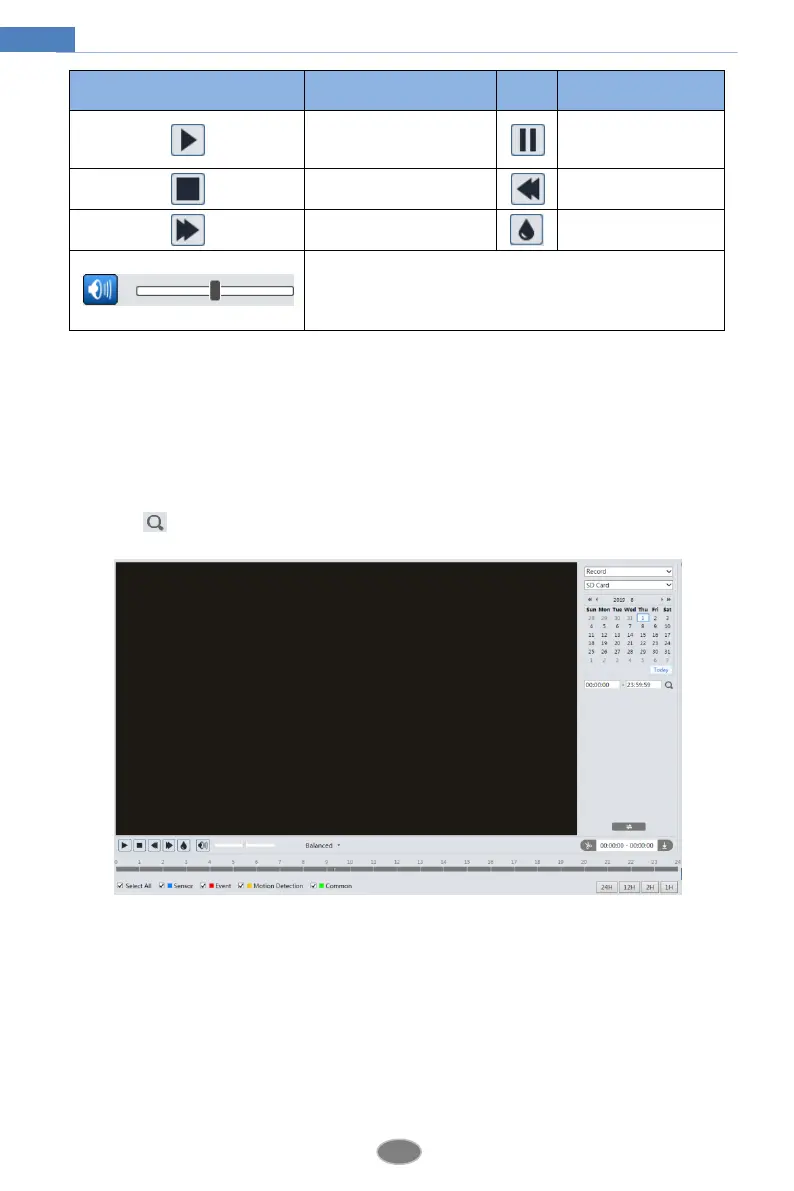
Click Search to go to the interface as shown below. Videos that were recorded on the SD card
can be played in this interface.
1. Choose “Record”—“SD Card”.
2. Set search time: Select the date and choose the start and end time.
3. Click to search the images.
4. Select the alarm events at the bottom of the interface.
5. Select mix stream (video and audio stream) or video stream as needed.
6. Double click on a file name in the list to start playback.












 To Next Page