23
Network Camera User Manual
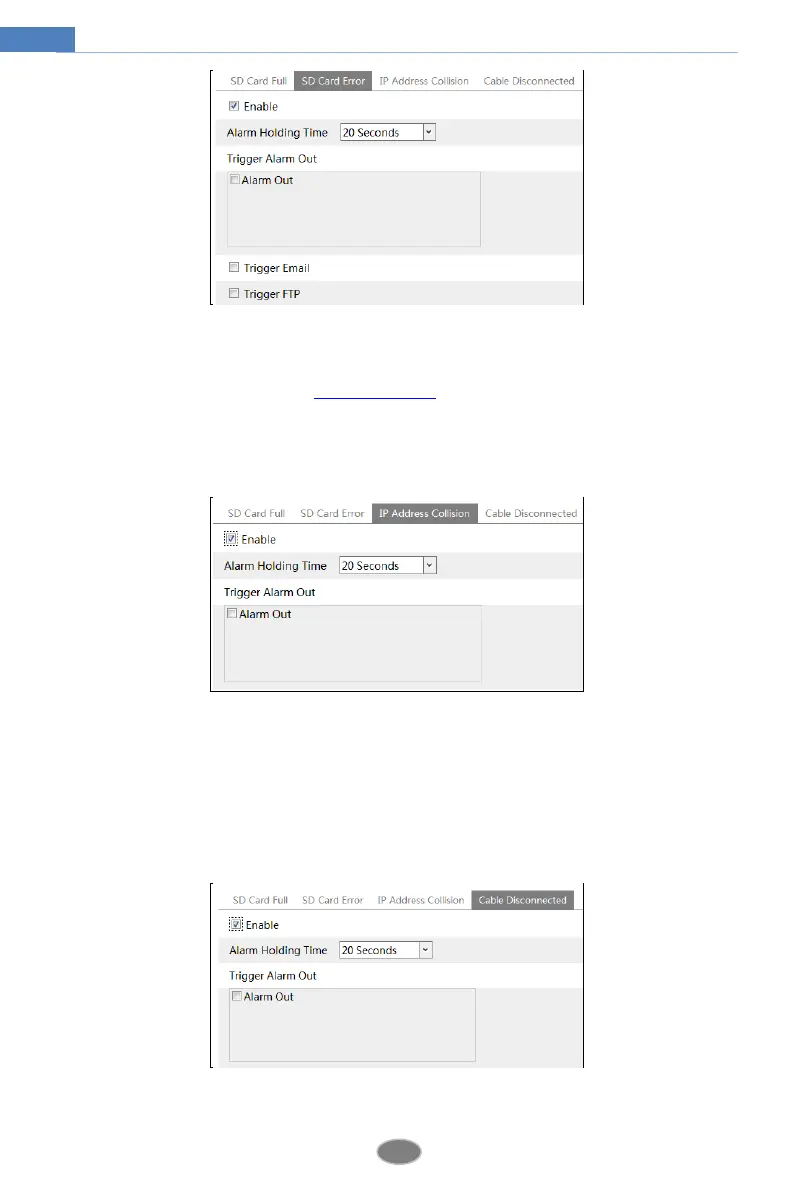
2. Click “Enable” and set the alarm holding time.
3. Set alarm trigger options. Trigger alarm out, Email and FTP. The setup steps are the same
as motion detection. Please refer to motion detection chapter for details.
IP Address Conflict
1. Go to ConfigAlarmAnomalyIP Address Collision as shown below.
2. Click “Enable alarm” and set the alarm holding time.
3. Trigger alarm out. When the IP address of the camera is in conflict with the IP address of
other devices, the system will trigger the alarm out.
Cable Disconnection
1. Go to ConfigAlarmAnomalyCable Disconnected as shown below.
2. Click “Enable” and set the alarm holding time.












 To Next Page