18
5.4 Settings
5.4.1 Set Date and Time
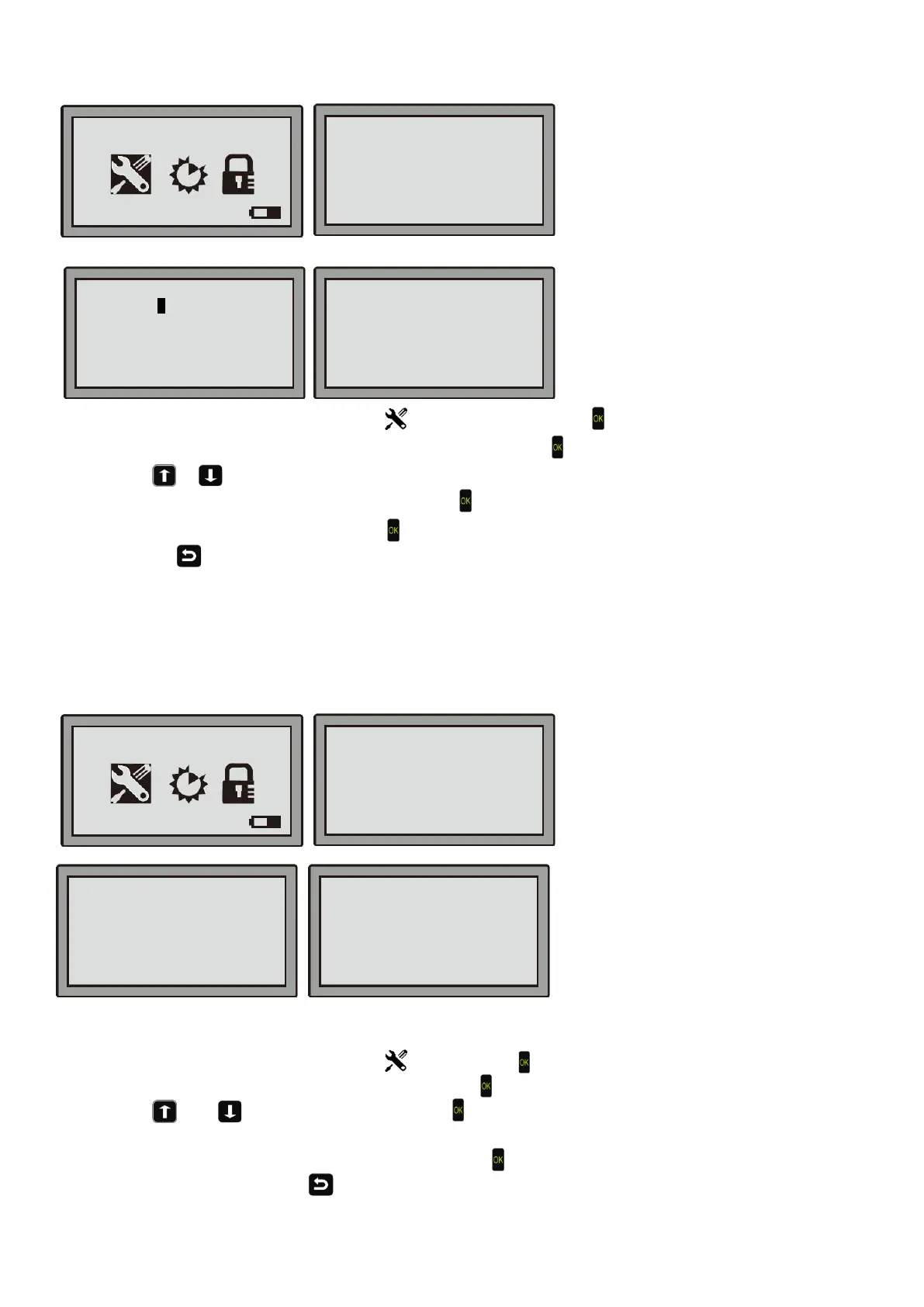
Step 1: Move the cursor to the general setting
, then press the OK button .
Step 2: Move the cursor to “set date and time”, then press the OK Key
.
Step 3: Use
or to move the cursor to the setting you would like to change, then change the numbers
through the keyboard. After the changes are done, press
.
Step 4: The screen displays "Save it?". Hit the
key if you want to keep the changes. If you don’t want to save the
changes, press
to get to the previous menu.
Note: If you enter an incorrect date or time, the display will show "invalid data " for three seconds and be redirected
to the setting.
Note: Only with the date and time set correctly will the robot will work properly.
5.4.2 Mow in the rain
Step 1: Move the cursor to the general setting
, then press the OK key.
Step 2: Move the cursor to “Mow in the rain”, then press the OK key.
Step 3: Use or to choose Yes or No, press
.
The Yes or No means to set the mower to work in the rain or not.
Step 4: On the pop-up message "Save it?", press the OK Key
if you want to keep the changes. If you don’t want
to save the changes, press to get back to the upper menu.
The default setting is “No”.
Data: 2018-08-25
YYYY-MM-DD
----------------------------------
Time: 08:38
24h
08-59-21 Mower
■No
Yes
Set Date and Time
Mow in the Rain
Language
Secondary areas
Information
08-59-21 Mower
■Set Date and Time
Mow in the Rain
Language
Secondary areas
Information


 To Next Page