23
5.5 Cutting
Push the “Start” key and close the LCD cover to let the Robotic Mower start to
work.
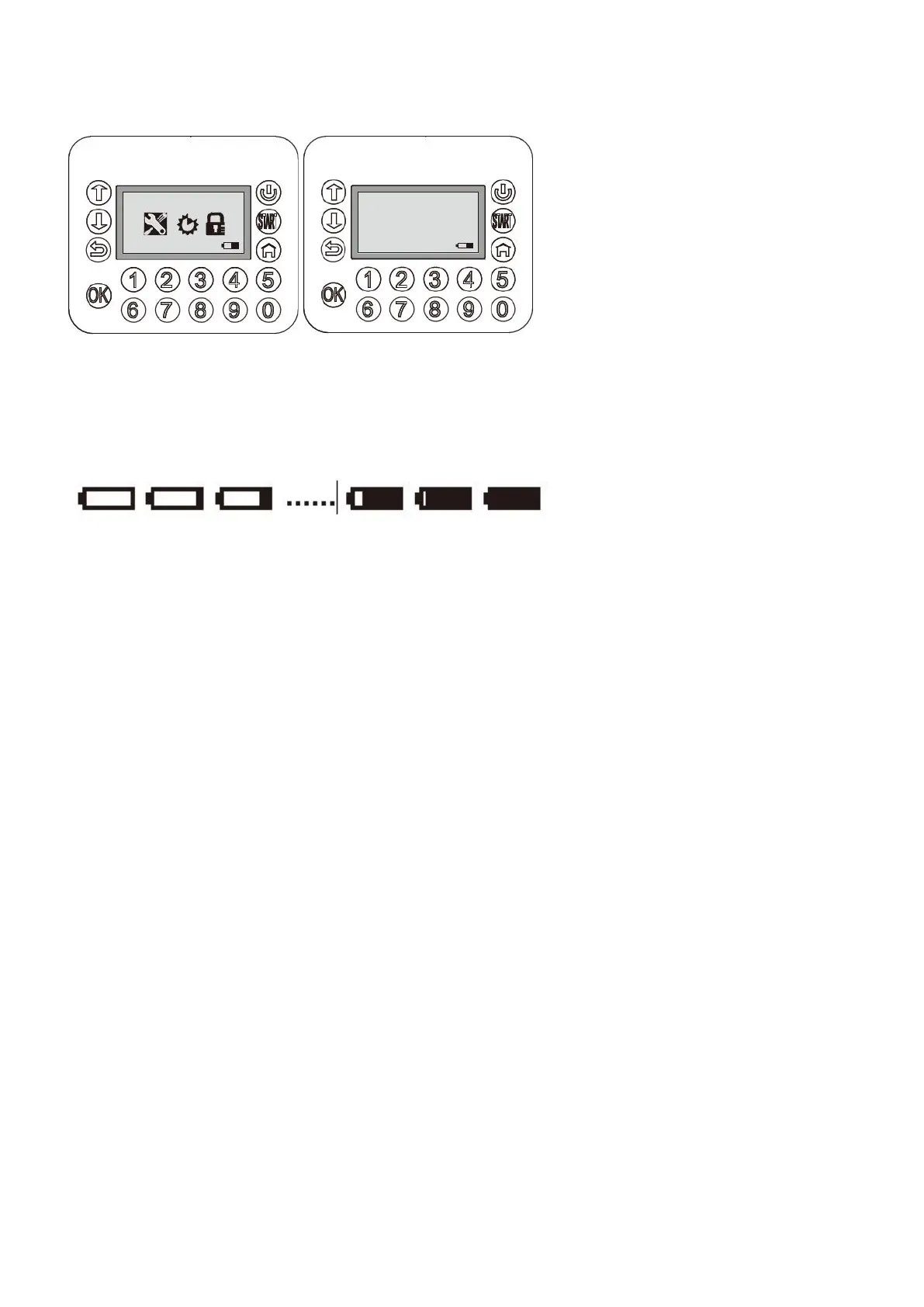
During cutting time, the battery capacity level is monitored and displayed.
When the battery capacity has discharged to 30%, the Robotic Mower will automatically go back to the
charging station.
5.6 Charging
After successfully docking in to the charging station, the battery symbol displays the charging progress.
Note: In the normal working mode, if you press the red “STOP” button on top of the Robotic Mower
and then press the “HOME” button on the keyboard, your Robotic Mower will return to the charging
station.
08-59-21 Mower
08-59-21 Mower
Close cover
to start


 To Next Page