22
5.4.6 Boundary cut
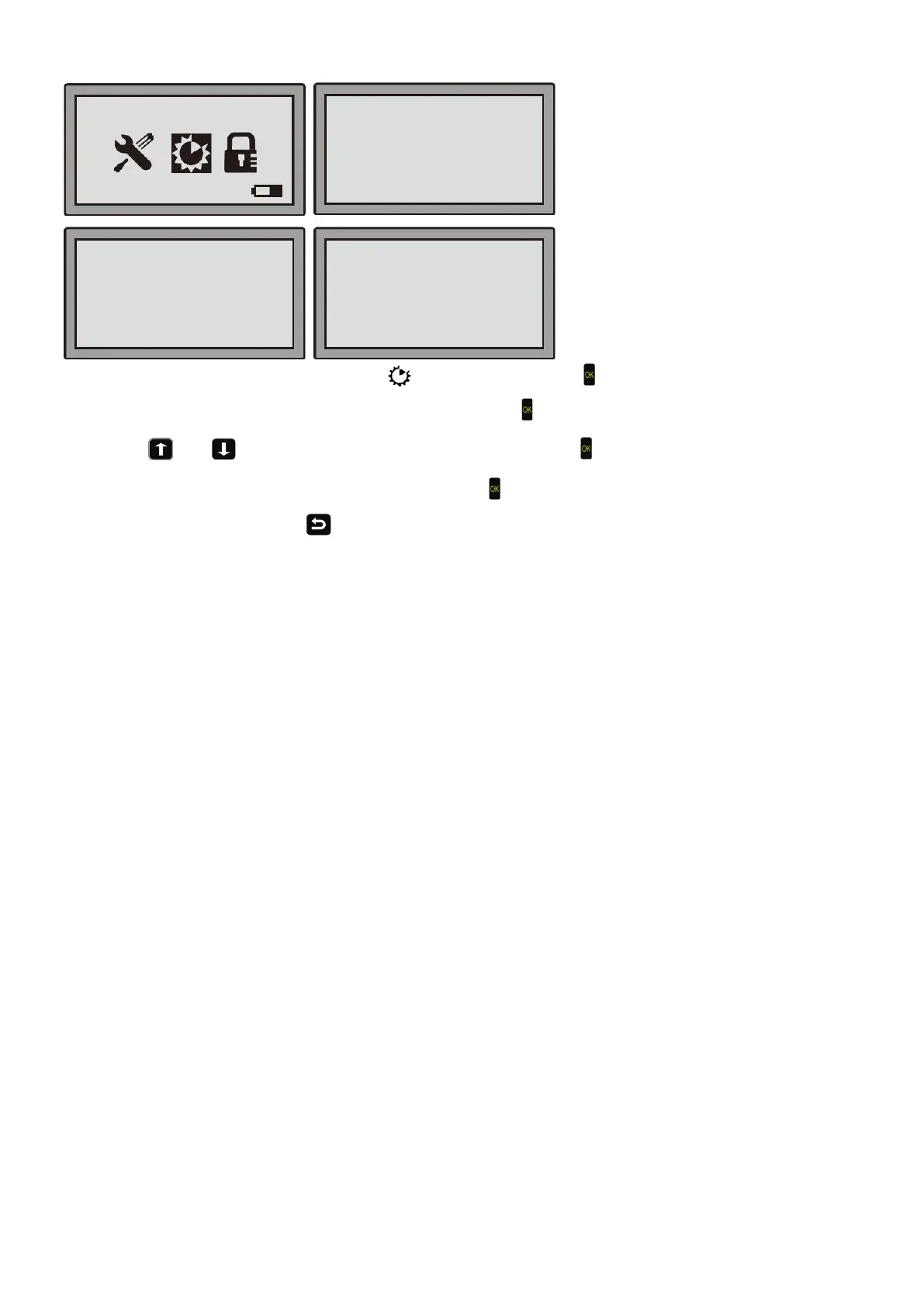
Step 1: Move the cursor to the Function setting , then press the OK Key ;
Step 2: Move the cursor to “Boundary cut”, then press the OK Key ;
Step 3: Use or to move the cursor to “No” or “Yes”. Then press ;
Step 4: On the pop-up message "Save it?", press the OK Key if you want to keep the changes. If you don’t want
to save the changes, press to go back to the previous menu.
Note:
The factory setting is “No”, meaning the Robotic Mower does not cut the grass on its way along the boundary wire.
You can change the setting to “Yes”, to let the Robotic Mower cut the grass when it’s going back to the station.
08-59-21 Mower
No
■
■Boundary Cut
WIFI Setting


 To Next Page