26
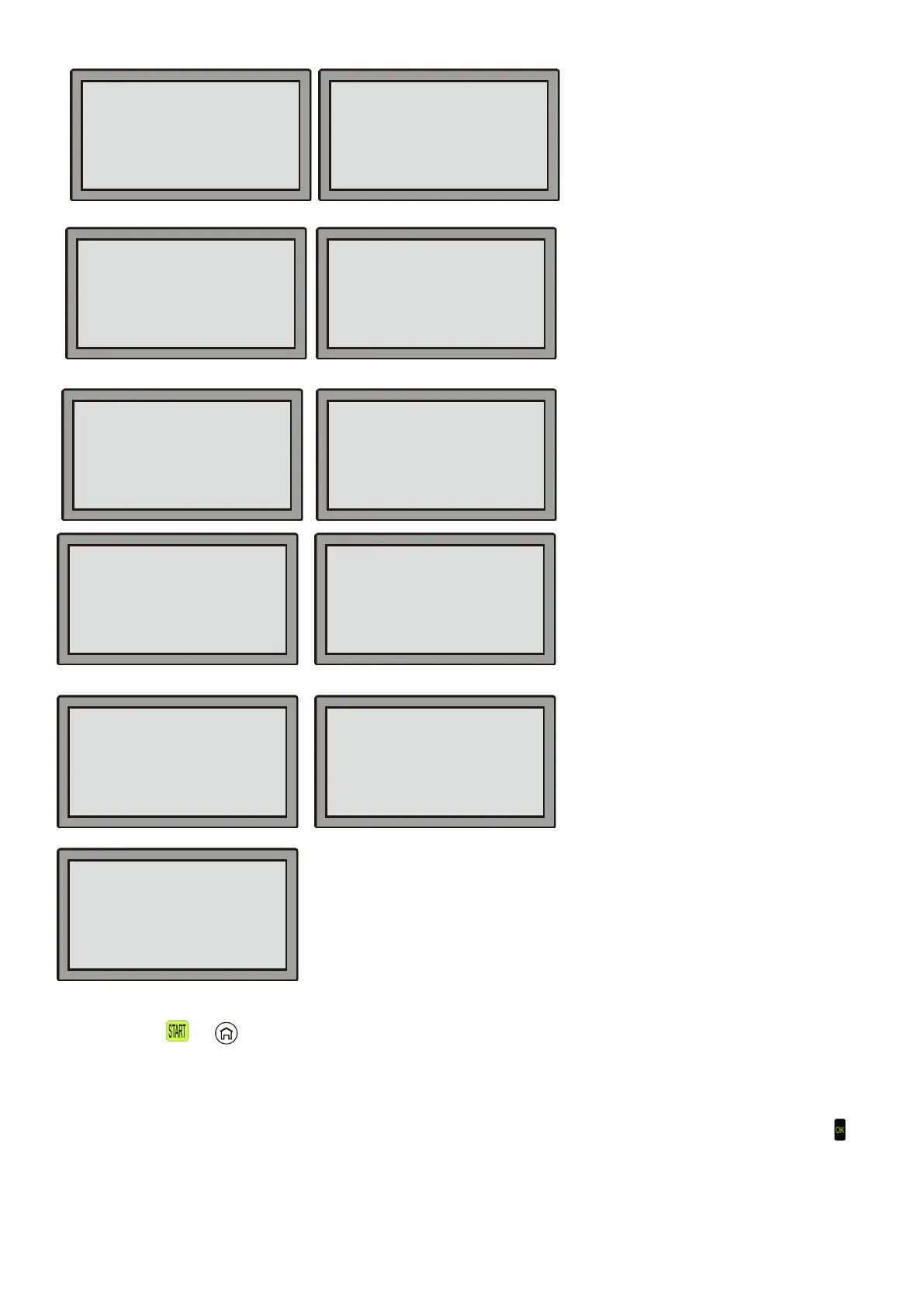
Close cover to start
After pushing
or on the keyboard, the Robotic Mower reminds you to close the LCD cover. Please see
section trouble shooting 7.2 No. 1.
Mower trapped
If the obstruction sensors are activated ten times within a minute, the Robotic Mower will stop and display the
message: “Mower trapped”. Please remove the mower from the obstruction and open the LCD cover and hit
to restart the Robotic Mower. If this error message shows up repeatedly, please check that the boundary wire is
correctly installed. Especially check narrow corners, corridors, fences, rocks, surrounding etc. Please change
the boundary wire layout if necessary.
Please see section trouble shooting 7.2 No. 2.
Press OK to Go ON
Press OK to Go ON
Press OK to Go ON
Please check the battery
PCB over temperature
Stop the mower!
Please check the mower
Restart the mower
Check the motor and
Please contact the service
Battery temp. abnormal
Press OK to Go ON
Check the boundary wire
Restart the mower


 To Next Page