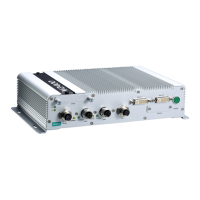
Installing theV2406A
Wall or Cabinet Mounting
The V2406A comes with two metal brackets for attaching the device on a wall or to the inside of a cabinet.
Complete the following steps to attach the mounting brackets to the V2406A.
Step 1: Use two screws for each bracket to attach the brackets to the rear of the V2406A.
Step 2: Use two screws per side to mount the V2406A on a wall or in a cabinet.
Din-Rail Mounting
The V2406A can be installed on a DIN-rail with the optional DIN-rail kit. This DIN-rail kit must be purchased
separately. The DIN-rail kit includes two DIN-rail brackets and eight screws.


 To Next Page
 Loading...