12
Note:
1. Only when start camera settings can turn the dial adjust parameters. Under the
default state, turn the dial would adjust the follow speed. Please refer to page 14
to get more follow modes information.
2. Some cameras with sensor, like Sony A7S2 will shut down the screen and switch to
viewfinder for preview, if there is obstruction before the viewfinder. Set preview
setting to screen
Start/Stop:Press power button once
Shoot photos: Press power button twice
Adjust shutter:Press the up button of the dial (TV)
Adjust aperture:Press the down button of the dial (AV)
Adjust ISO:Press the left button of the dial (ISO)
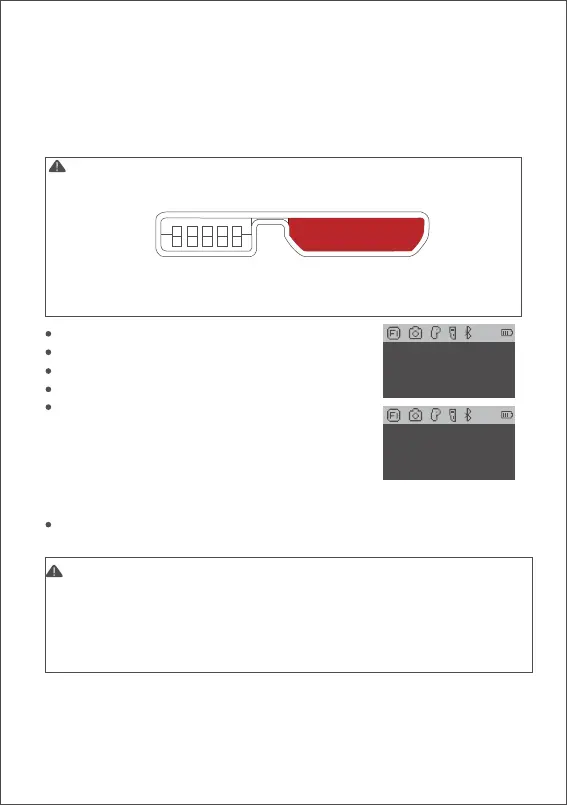
When adjusting camera parameters, press the
corresponding button and the screen will display the value,
then turn the dial to adjust the value. After the adjustment is
completed, press the corresponding button again to turn
off the adjustment of camera parameters.
Turn on/ off preview: press the right button of the dial to turn on or off live preview.
TV AUTO
ISO 6400
Note:
1. Cameras equipped with Micro USB 3.0 interface, such as the Nikon D850, can be
normally controlled by half plugging the M3C-Micro cable.
2. After plugging the camera control cable, please operate the camera according
to the prompts on the camera screen, otherwise the camera control function may
not work properly.
b. Refer to the list to choose and connect the camera control cable. Connect
the Mini-USB end of the control cable to the control port of AirCross 2. Connect
the other end to the corresponding control port of the camera.
c. You can achieve recording by clicking the menu button one time and taking
photos by clicking menu button twice after selecting the camera type and
connecting the camera control cable.



 To Next Page