18
User Configuration Management
When configuration data is confusing, users can select “restore configuration” to
clear all previous configuration data.
Notes:
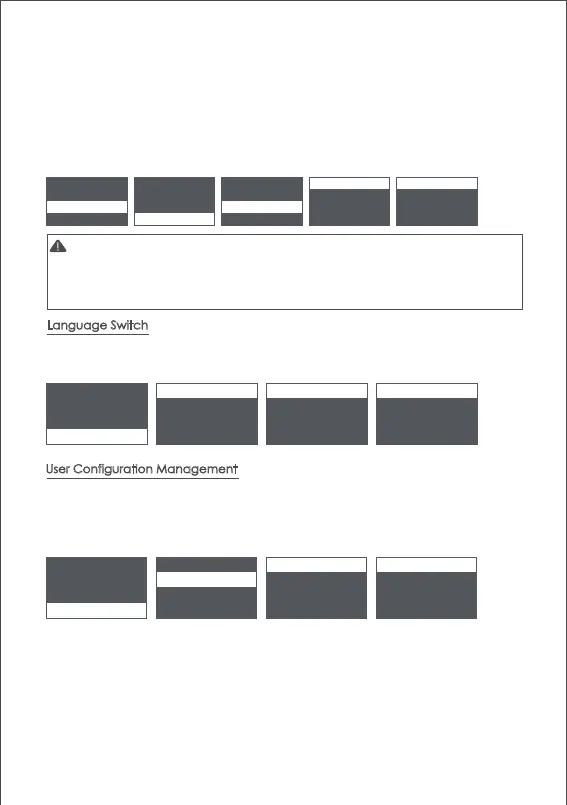
The Air 2 supports both Chinese and English. After turning on the gimbal, users
can switch language in the menu.
Language Switch
camera > iFocus > gyro tilt [0] tilt [1]
gimbal > inception > acc roll [0] roll [0]
advanced > manual pos > angle offset > pan [0] pan [0]
general > calibration >
camera > language > English English *
gimbal > config > 中文 * 中文
advanced >
general >
about
camera > language > config1 > save
gimbal > config > config2 > load
advanced > config3 >
general >
about
reset
In case of emergency shooting, the camera cannot be leveled and there is no time for
sensor calibration, the camera can be adjusted to a horizontal state by offset.
a. Turn on the gimbal and the camera level, check the offset of the tilt and yaw axis.
b. Enter the menu, select advanced>calibrate>offset, select an axis that is not horizontal,
and then turn the dial to adjust the fine adjustment value of the axis until the camera
completely keeps level.
The Air 2 can save 3 groups of user data like camera type, motor output, button
operations and other parameters, so users can retrieve relevant parameters
previously used and avoid trouble of setting parameters each time when
changing the camera.
1.The offset can only adjust the angle of each axis within the range of about ±5°, if there is
too much offset, the camera cannot be completely leveled.
2.Offset is only a temporary solution, after shooting, accelerometer calibration is still needed.
3.The parameters of the offset will not be saved and will become invalid after restart.
● Offset



 To Next Page