13
Motor Output
The payload of Air 2 is from 300g to 4200g. Different payload requires different motor
power to achieve the best stability. There are three methods for adjusting the output
of the motor:
Auto-tuning operation method:
a. Install the camera and adjust the balan
b. Unlock all motor loc
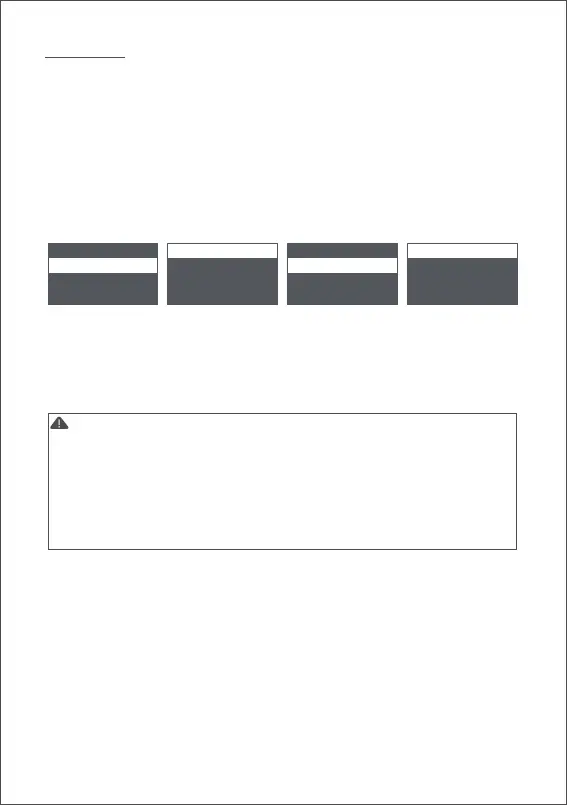
c. Turn on the stabilizer, long press the center button to enter the menu, sele
‘Gimbal’ > 'Motor' > ‘Power’ > ‘Auto-tune’
d. During the auto-tuning, the stabilizer will vibrate automatically to match the most
suitable output value. Wait for about 5 seconds, the stabilizer stops shaking, and
the auto-tuning completes.
Set the output gear:
Factory default presets 5 groups of motor output values, which are suitable for
cameras of different weight levels.
Customize the output value of each motor:
The users can customize the output value of each motor to reach more precise control
of the motor output. The adjustment range is 0 to 100.
Note:
camera > motor > switch aututune
gimbal > follow > power > level >
advanced > operation > filter > custom >
general >
1. Under the camera lens combination of the limit, the auto-tuning function may not
accurately calculate the appropriate output value. Please manually adjust the motor
output according to the situation.
2. If the motor output is too low, the video is not stable enough; if the motor output is too
high, it will cause high-frequency vibration of the stabilizer.
3. When the motor output is at the critical value, the stabilizer will not vibrate in the upright
state, but it will vibrate in the forward or inverted state. Please reduce the motor output
moderately.



 To Next Page