EasyManua.ls Logo

MRMC TRIGGER BOX - User Manual

MRMC TRIGGER BOX
32 pages
Print Icon
To Next Page IconTo Next Page
Loading...
CRANES AND RIGS | BROADCAST | HEADS & DSLR | PRODUCT PHOTOGRAPHY | RENTALS
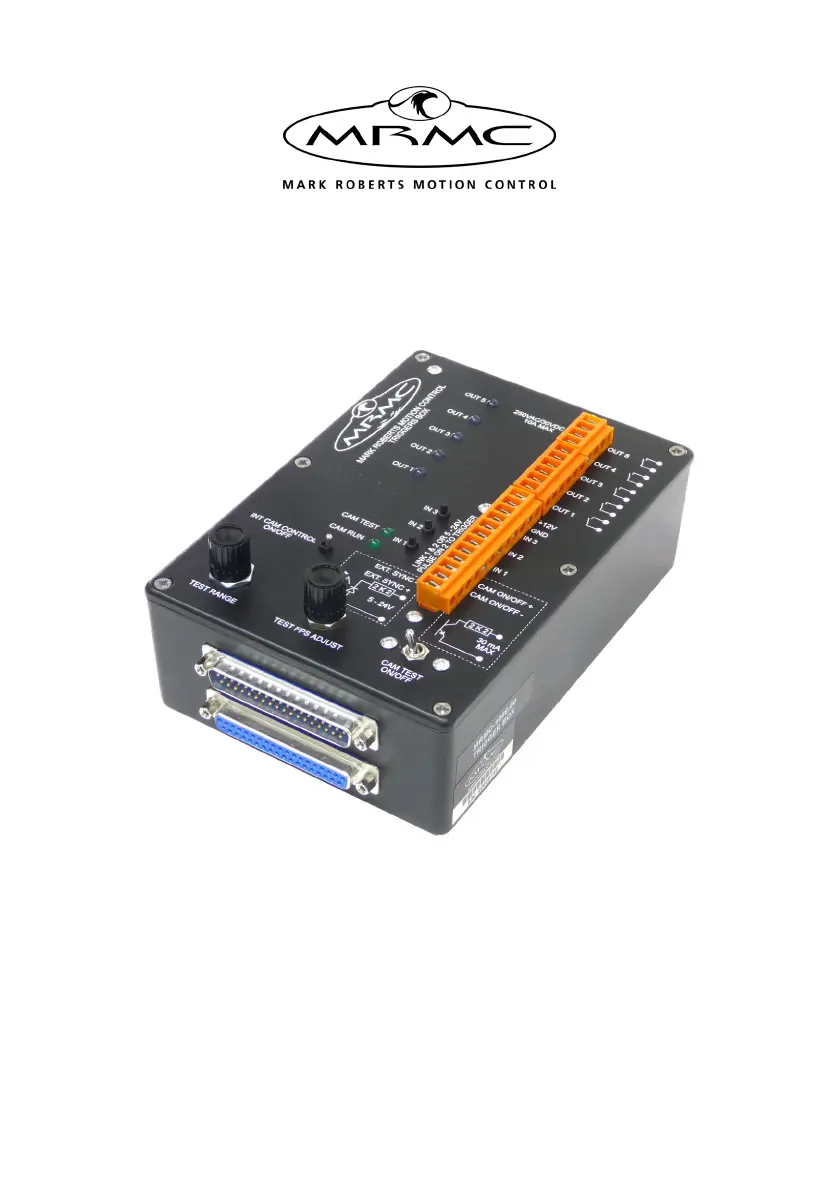
Trigger Box
Product Code: MRMC-1066-00
Quick Start Guide
Product Code: MRMC-1282-01

Questions and Answers

  • S
    Stacey TurnerAug 12, 2025
    What to do if MRMC Industrial Electrical Flair is not receiving a Sync signal from the Trigger Box?
    • V
      vegamadelineAug 12, 2025
      If Flair isn't getting a Sync signal from the Trigger Box, check the CAM TEST ON/OFF switch position. It should be Off to receive the signal from a real camera connected to the EXT. SYNC connectors or On to receive the signal from the simulated camera (Sync signal generator) within the Trigger Box. If using the simulated camera, ensure the INT CAM CONTROL ON/OFF switch is correctly positioned. When Off, the internal simulated camera is under Flair control, and you'll need to activate the Sync signal by activating the External Camera from Flair via Setups > Outputs > Test Outputs.
  • C
    Christopher LoganAug 19, 2025
    What to do if MRMC Industrial Electrical Flair fails to trigger the External Camera?
    • P
      Pamela ReyesAug 19, 2025
      If Flair fails to trigger the external camera, first, try triggering the camera manually using Flair's menu option: Setups > Outputs > Test Outputs. If the camera is connected to the CAM ON/ OFF connectors on the Trigger Box, ensure the CAM TEST ON/OFF switch is in the correct position. It should be Off for triggering a real camera and On for triggering the simulated camera (Sync generator) in the Trigger Box. If triggering the simulated camera, the INT CAM CONTROL ON/OFF switch must be Off to allow Flair control over the Sync generator.
  • C
    christophershepherdSep 3, 2025
    What to do if a trigger input fails to activate on MRMC Industrial Electrical?
    • S
      scott22Sep 3, 2025
      If a trigger input fails to activate, begin by checking all connections. Next, try to isolate the problem: * In Flair, verify that you've assigned the incoming trigger to the desired action using Setups > Inputs setup. * Confirm that Flair is receiving the trigger signal from the Trigger Box by observing the Trigger Input State change from Open to Closed in the Setups > Inputs setup pop-up in Flair when pressing the corresponding IN button on the Trigger Box. * Verify that the external device is either closing the Trigger input circuit or supplying the correct trigger input voltage, depending on the trigger input configuration method.
  • B
    Brandon StevensNov 26, 2025
    How to troubleshoot a trigger output that fails to activate on MRMC Industrial Electrical?
    • J
      Jacqueline LewisNov 26, 2025
      If a trigger output fails to activate and the OUT LED on the Trigger Box doesn't light up, begin by inspecting all connections. Then, attempt to isolate the problem: * In Flair, verify the output trigger is assigned to the correct frame using Setups > Outputs. * Confirm the Trigger Box is receiving the trigger signal from Flair by checking if the OUT LED on the Trigger Box lights up when the trigger is activated in Flair. * Ensure the device you're triggering is plugged into the correct socket on the ribbon cable, noting that the BLOOP socket doesn't receive the Camera Trigger output signal, and the TRIGGER socket doesn't receive External Camera Trigger or Trigger 1 output signals. * If safe, check your external trigger circuitry and device by connecting the trigger wires to close...

MRMC TRIGGER BOX Specifications

General IconGeneral
BrandMRMC
ModelTRIGGER BOX
CategoryIndustrial Electrical
LanguageEnglish