Trigger Box Quick Start Guide
14
Testing the Sync signal input only
To test the Sync input, the Trigger Box can be plugged into any connector
on the ribbon cable. To test Sync input and Camera On/Off trigger
together, the Trigger Box must be plugged into the SYNC connector on
the ribbon cable.
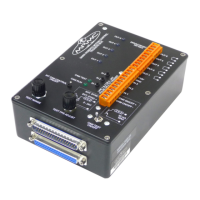
1. Turn on the internal simulated camera (Sync signal generator), by
switching On the INT CAM CONTROL ON/OFF switch.
2. The CAM RUN LED ( ) starts blinking. This might be slow or too
fast to see, depending on the current Sync frequency. You can adjust
the frequency by using the TEST RANGE and TEST FPS ADJUST
knobs.
3. Switch On the CAM TEST ON/OFF switch. This routes the
generated Sync signal to Flair.
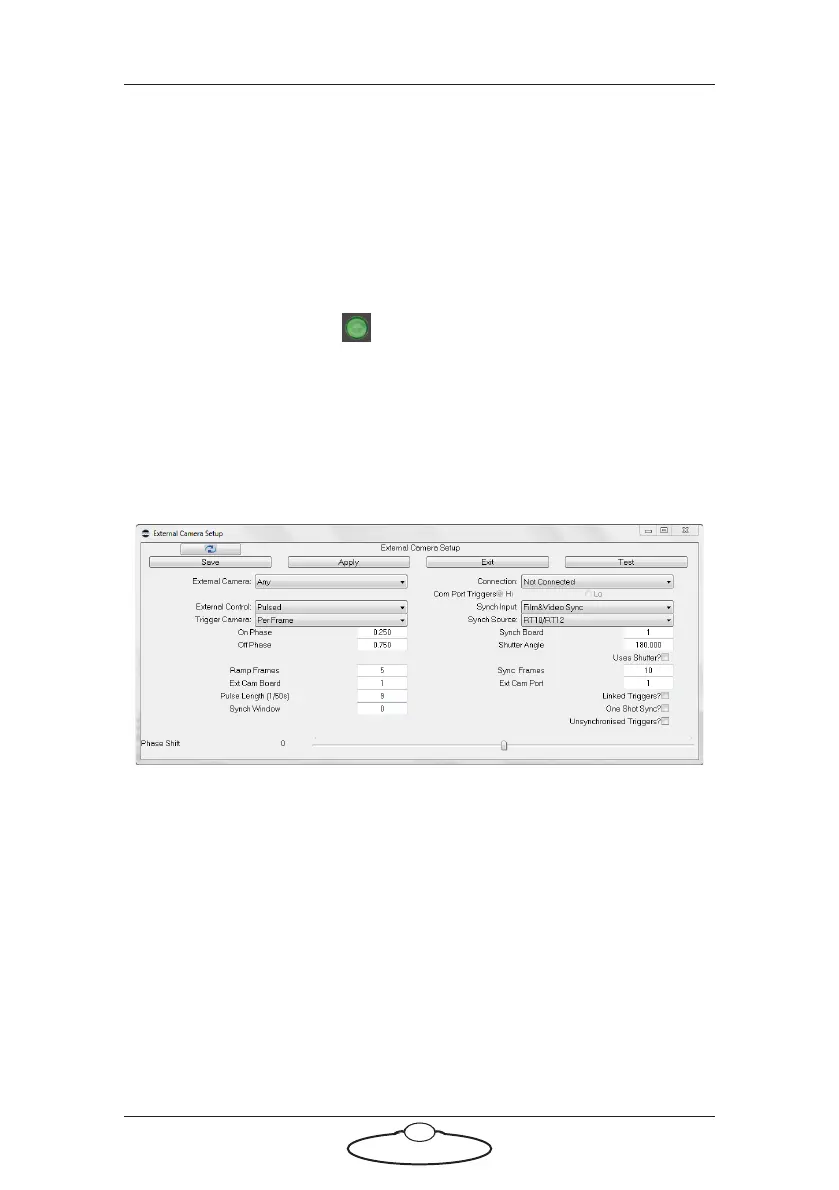
4. In Flair, use menu option Setups > External Camera Setup.
5. In the pop-up, specify the following settings:
External Camera: Any
Synch Input: Film& Video Sync
Synch Source: RT10/RT12
6. Click on Save and Apply in the pop-up, but leave the pop-up open
on the screen.
7. In the pop-up, click on the Test button.
Flair analyses the incoming Sync signal and displays various
parameters for it in a pop-up:


 To Next Page