ALTAIR 2X
24
Use
GB
(5) If Calibration Due (CAL DUE) is enabled via MSA Link™ software
(default is OFF):
- If calibration is due, CAL DUE will scroll across the display continuously.
Press the button to proceed. A calibration is now necessary.
- If calibration is not due, CAL, the number of days, and DAYS will scroll across
the display once before proceeding.
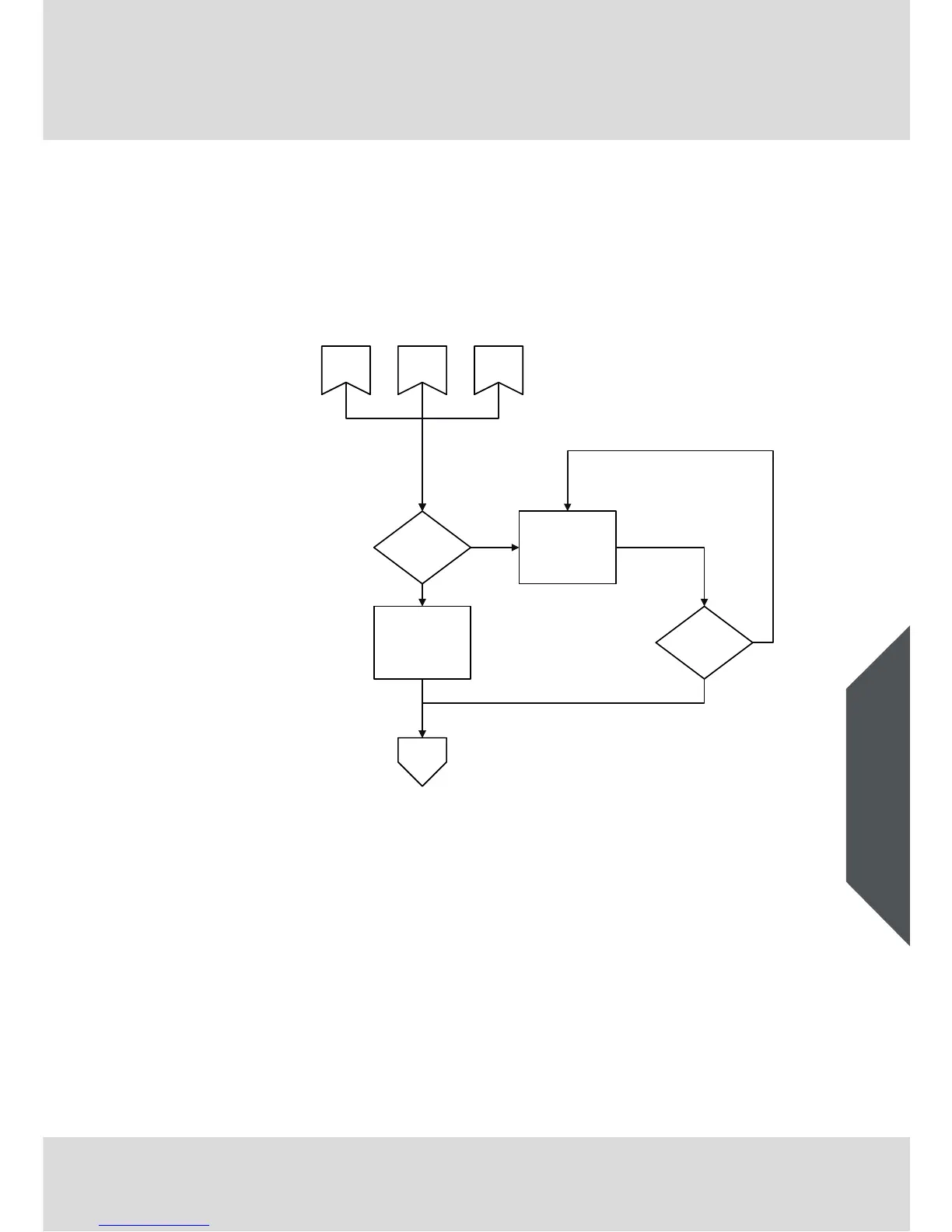
Fig. 7 Calibration due
The device displays the gas reading in ppm or mg/m³ and the battery condition.
CAL
DUE
Is Cal Due?
Button Press?
Cal Due
Information*
Y
N
Startup FAS
Pulse and Flow
Check
Measurement
* Depending on individual
instrument setup
Y
N



 To Next Page