ALTAIR 2X
31
Use
GB
Sleep Mode
To save battery run time, the device can be setup to automatically go into sleep
mode. If activated, the device will go into sleep mode if
- The device has been continuously activated for at least 8 hours
- The device has not detected any movement continuously for at least 2 hours
after the 8-hour minimum operation time has elapsed
- The device has not seen any alarm or readings other than 0 ppm (mg/m³)
during the 2 hours of no movement
Before going into sleep mode, the device will show a warning to notify the user
it will go into sleep mode if the device is not moved or no button is pressed.
During sleep mode, the device will be inactive, not measuring gas and not
displaying any readings. The device can be reactivated by either pressing the
button or deliberately moving the device so that a noticeable movement can be
detected.
3.7 Monitoring Gas Concentration
Toxic Gases
The device displays the gas concentration in parts per million (ppm) or mg/m³
on the measuring page. The device remains on this page until another page is
selected or the device is turned OFF.
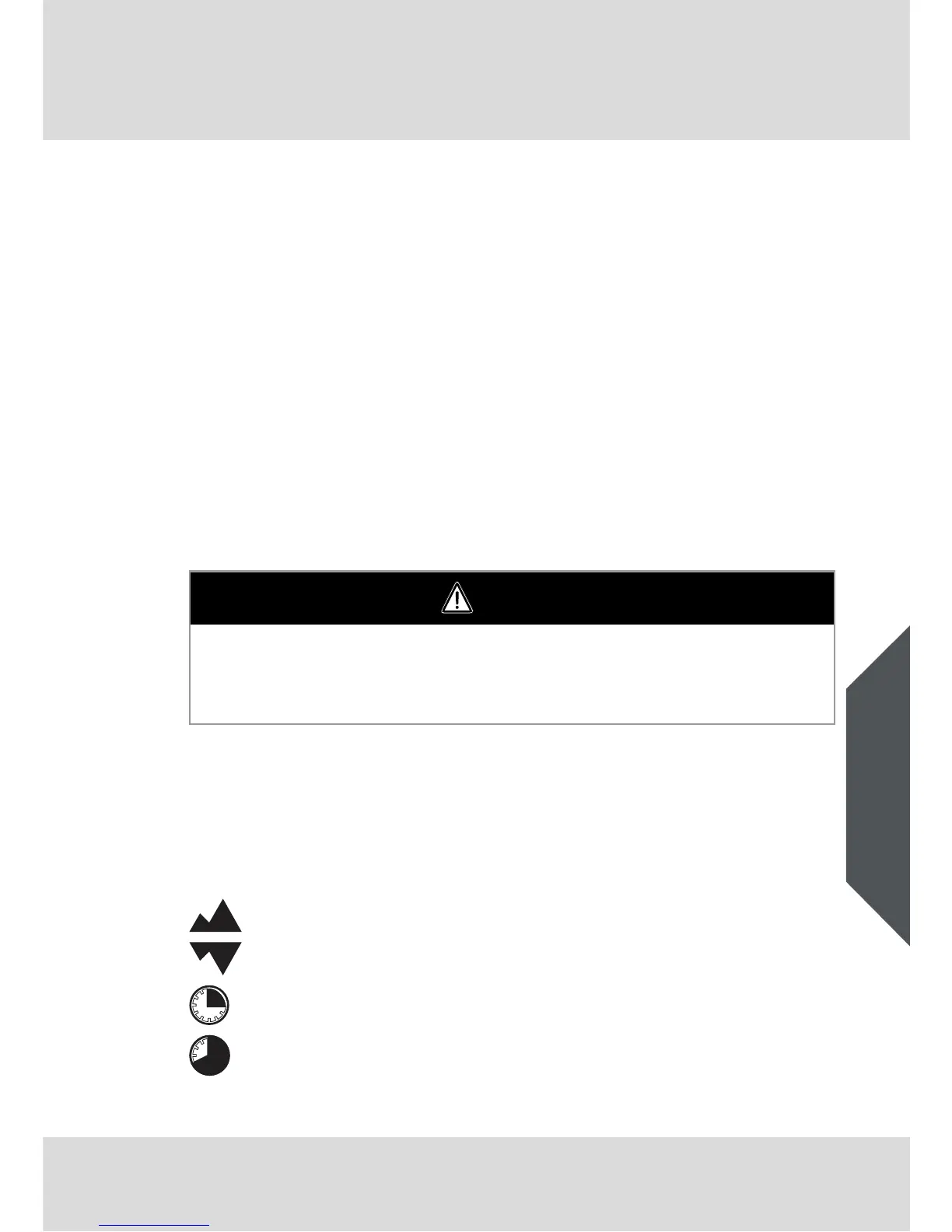
There are four alarm setpoints in the device:
WARNING
If a gas alarm condition is reached while using the device as a personal or area
monitor, leave the area immediately: the ambient condition has reached a
preset alarm level. Failure to follow this warning can result in serious personal
injury or death.
High Alarm
Low Alarm
STEL Alarm
TWA Alarm



 To Next Page