EasyManua.ls Logo

MSA ALTAIR 2X - 3.10 IR mode

MSA ALTAIR 2X
58 pages
Print Icon
To Next Page IconTo Next Page
To Previous Page IconTo Previous Page
Loading...
ALTAIR 2X
35
Use
GB
Fig. 10 Displaying device data
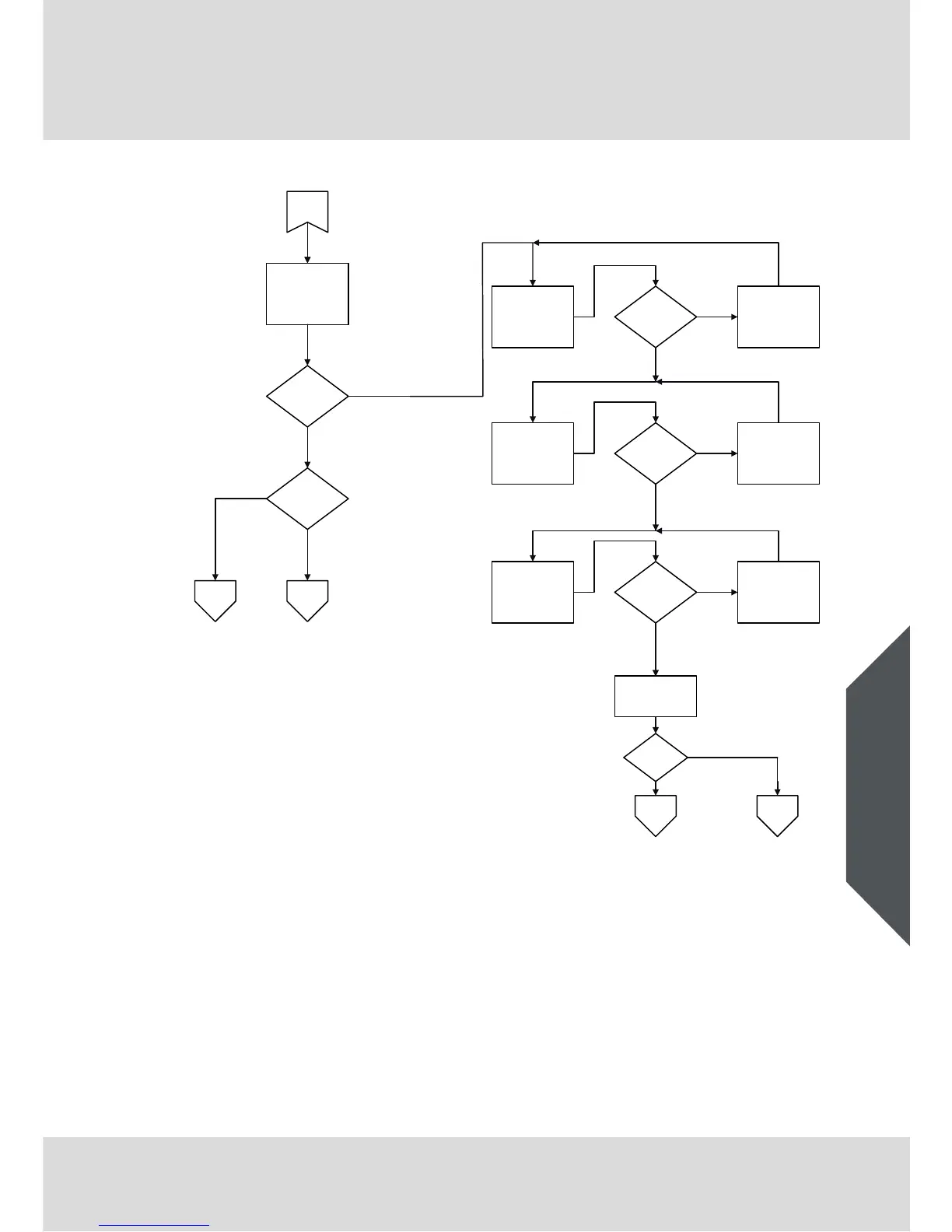
3.10 IR mode
A button press (more than one second) in measurement mode will activate
IR mode for 1 minute. If no IR communications are detected, the device will exit
this mode automatically.
PULSE? for
XCell Pulse
technology
BUMP?
for other sensors
Button Press?
XCell Pulse
Technology?
Min or Max
Screen*
„0 ppm“
Min/Max
information is reset
Button Press?
STEL Screen*
„0 ppm“
Button Press?
STEL information
is reset
CLR
TWA Screen*
„0 ppm“
Button Press?
TWA information is
reset
Measurement
Measurement
Pulse CheckBump Test
Y
Y
Y
Y
Y
N
N
N
N
N
Cal Screen*
„CAL“ „?“
Button
Press?
Zero Cal
N
Y
* Depending on individual
instrument setup
CLR
CLR

Other manuals for MSA ALTAIR 2X

Related product manuals