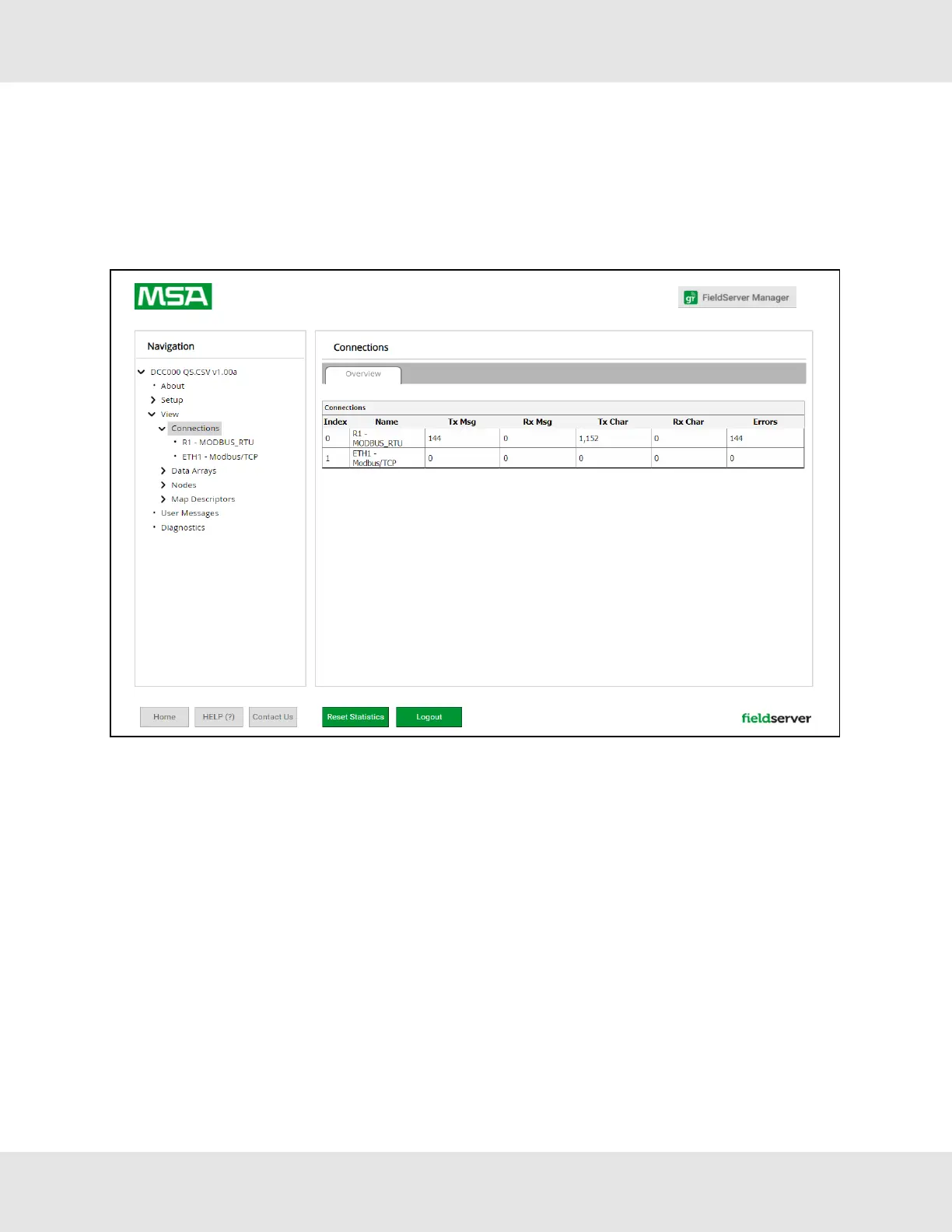
10.2 Viewing Diagnostic Information
• Type the IP Address of the FieldServer into the web browser or use the FieldServer Toolbox to connect to the
FieldServer.
• Click on Diagnostics and Debugging Button, then click on view, and then on connections.
• If there are any errors showing on the Connection page, refer to Section 10.3 Checking Wiring and Settings for the
relevant wiring and settings.
37 Hunter Fans ProtoNode FPC-N64



 To Next Page