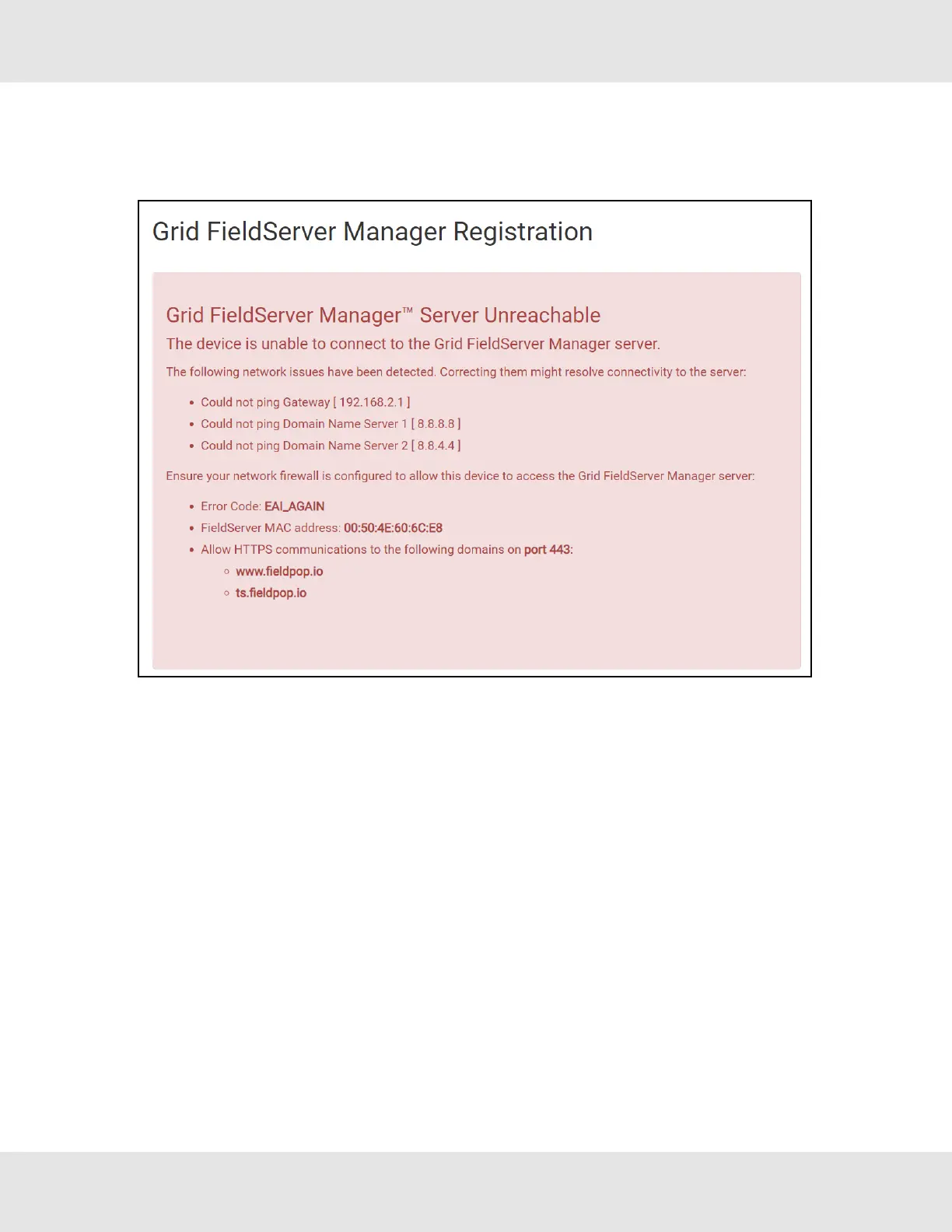
11.8 FieldServer Manager Connection Warning Message
• If a warning message appears instead of the page as shown below, follow the suggestion that appears on screen.
◦ If the FieldServer cannot reach the server, the following message will appear
• Follow the directions presented in the warning message.
◦ Go to the network settings by clicking the Settings tab and then click the Network tab
◦ Check with the site’s IT support that the DNS settings are setup correctly
◦ Ensure that the FieldServer is properly connected to the Internet
NOTE:If changes to the network settings are done, remember to click the Save button. Then power cycle the
FieldServer by clicking on the Confirm button in the window and click on the bolded “Restart” text in the
yellow pop-up box that appears in the upper right corner of the screen.
53 Hunter Fans ProtoNode FPC-N64



 To Next Page