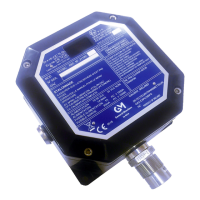
5. Insert cable for connection into the device.
6. Connect cable to terminal.
a. Use a 2-wire shielded cable.
7. Tighten cable gland clamping nut, check that cable cannot move within the cable gland.
8. Replace plastic cover, tighten the screws and secure the interlock.
17 PrimaX GB
3 Installation



 To Next Page