4 Operation
The device is factory-calibrated and delivered ready for installation. Each device is
configured and calibrated for only one specific gas or vapor.
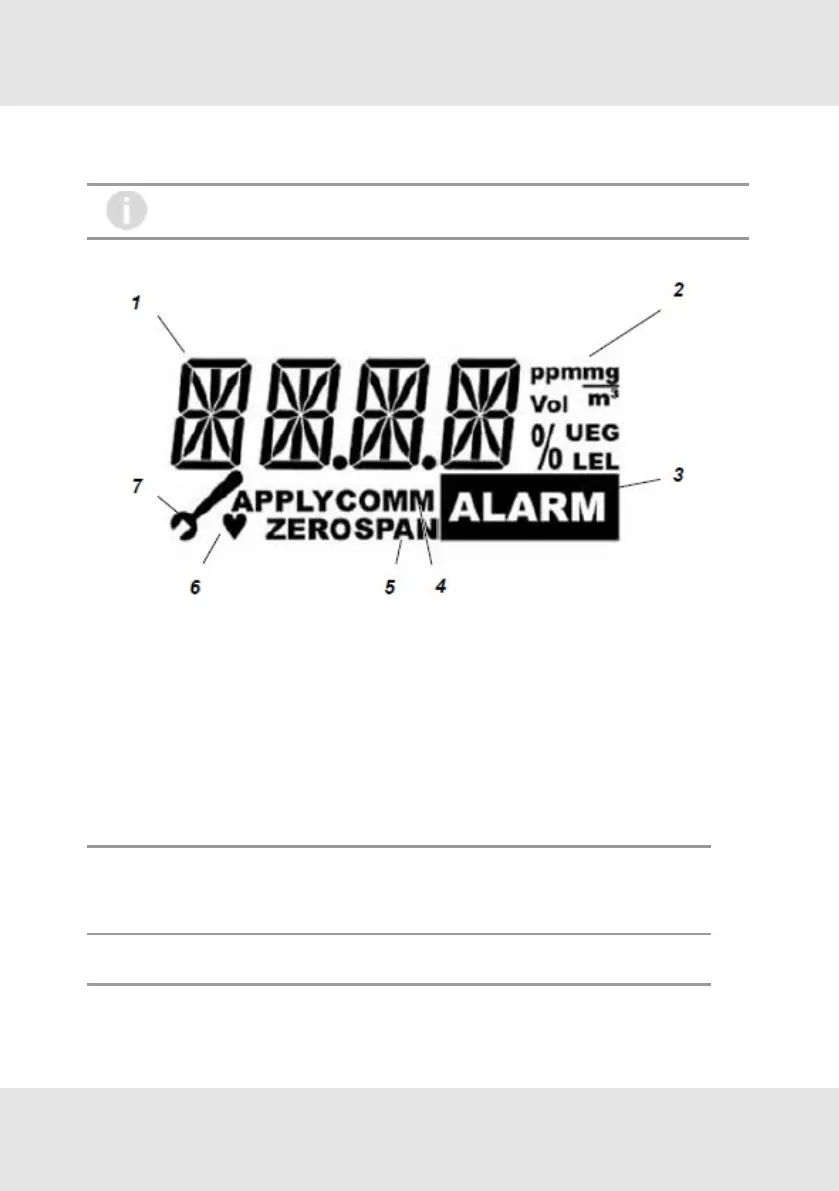
Figure 8 Display overview
1 Measuring value/Menu//Text dimensions 5 Calibration
2 Units 6 Alive signal [flashing]
3 LOC, alarm indication [optional] 7 Maintenance
4 Signal for an active communication
4.1 Startup
During startup a self-test is performed and the output signal is set to the service current [default 3.0mA]. The
following information is displayed:
Display Test
The display shows all segments.
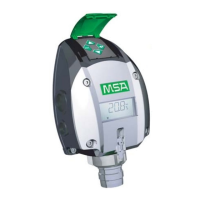
Note: The PrimaX P also shows all LEDs and afterwards the yellow LED is flashing during the
startup procedure.
Software Version
The display shows the firmware version.
GB PrimaX 18
4 Operation



 To Next Page