WI-FI DCS USER’S GUIDE 15
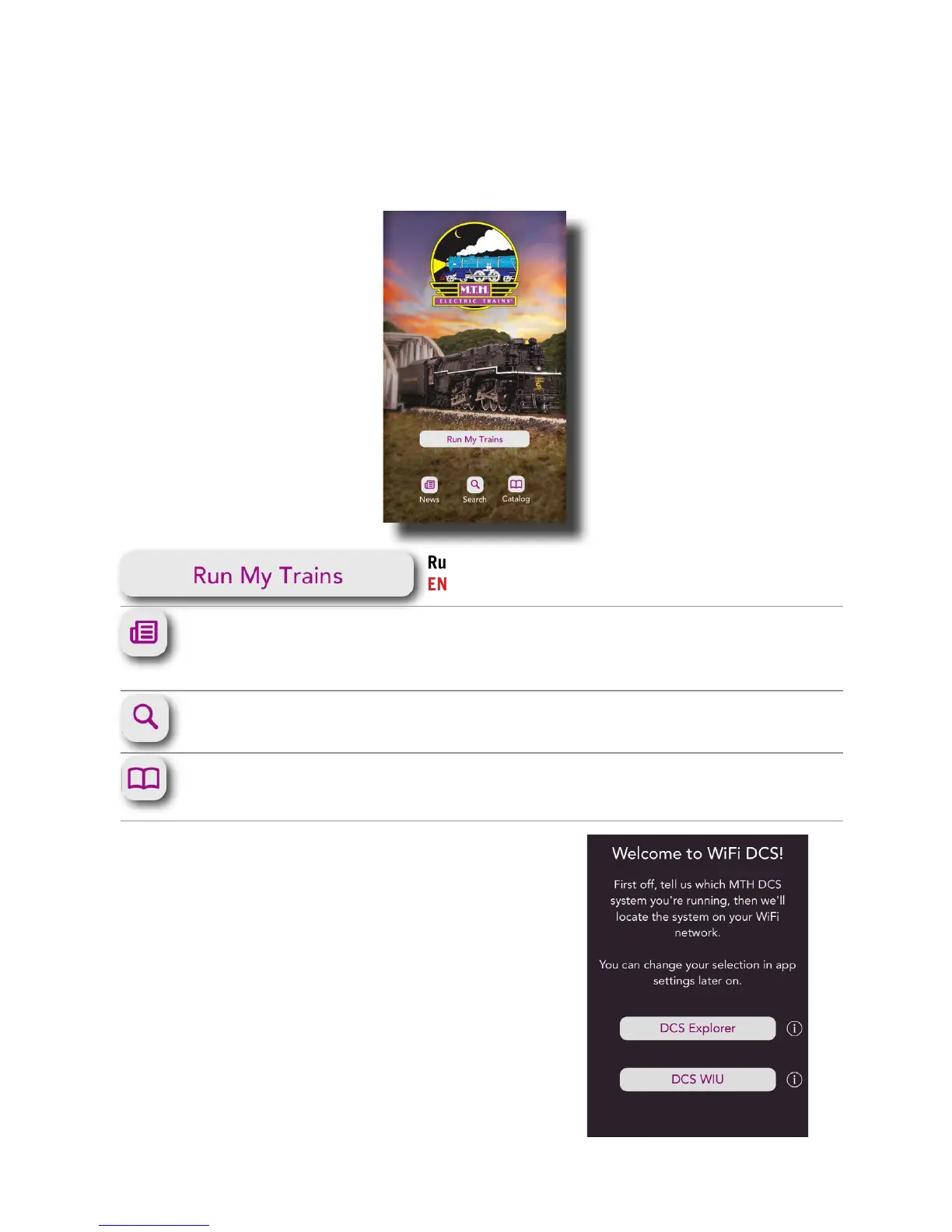
Title Screen
When you rst open the MTH DCS app, this is the screen you will see. You have several
options described below.
Run My Trains: Tap here to take you to the MAIN
ENGINE CONTROL SCREEN
News: While connected to the internet, tap here to
sign up for our newsletter or nd out the latest
happenings at MTH.
Search: While connected to the internet, tap here to
search for products.
Catalog: While connected to the internet, tap here to
browse through all of our catalogs.
Second Screen
After selecting “Run My Trains,” the next screen you will
see is shown here. Select the system you’ll be running
which is “DCS Explorer.”
The system selection screen will pop up when the app is
rst opened. Thereafter, the system selection screen will
not reopen.
APP TOUR



 To Next Page