WI-FI DCS USER’S GUIDE 22
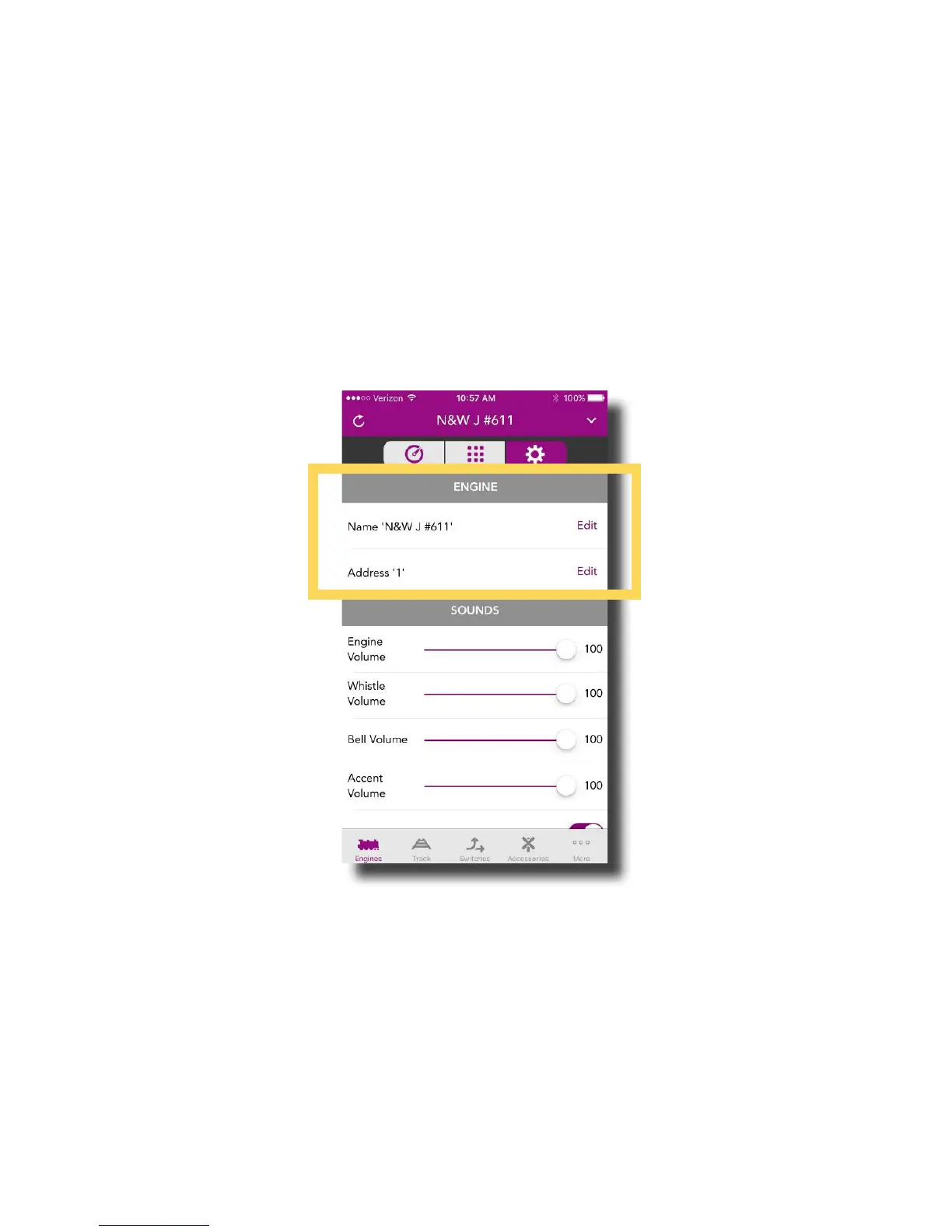
Settings Screen
The Settings Screen is where you can tailor your engine’s behavior to t your operating
preferences. Like many things in DCS, the settings available are unique to your engine so,
there will be differences between steam and diesel engines, for example. Most of these
settings are saved in the engine and remain until you change them again. Don’t worry,
included in the Settings Screen is the ability to reset your engines to their original state.
Engine Settings
You can edit the engine name or address by simply tapping EDIT shown to the right of both.
You can name your engine whatever you like up to 16 characters. You can change your
engine address to any available address that is not already assigned to another engine.



 To Next Page