WI-FI DCS USER’S GUIDE 18
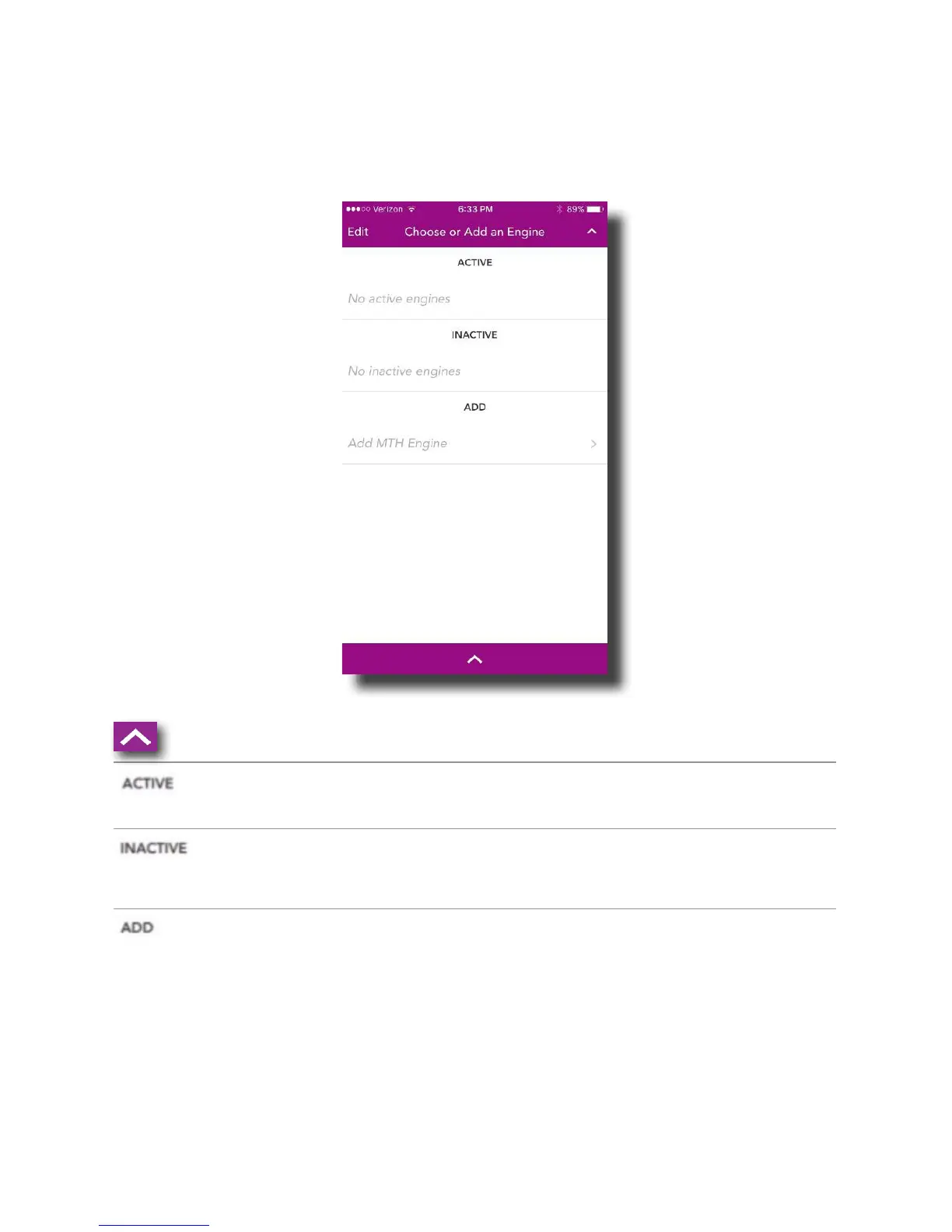
Engine List Screen
On the MAIN CONTROL SCREEN, tapping CHOOSE OR ADD AN ENGINE or the down arrow, takes
you to the ENGINE LIST SCREEN. This screen is used to manage your engine roster. From
here, engines can be added or deleted. You can also see the list of currently active and
inactive engines.
Up arrow: Tapping here closes the ENGINE LIST
Active: This section displays the currently active
engines. These engines are available to run!
Inactive: This section displays the currently inactive
engines. These engines exist in your roster but cur-
rently, are not active and ready to run.
Add: Tap ADD MTH ENGINE and follow the prompts to
add a new engine to your system. The SS app only
allows 3 engines to be added to the system.
Note: Engines should be added to your system one at
a time. Never try to add multiple engines that have the
same address!



 To Next Page