WI-FI DCS USER’S GUIDE 9
Luci
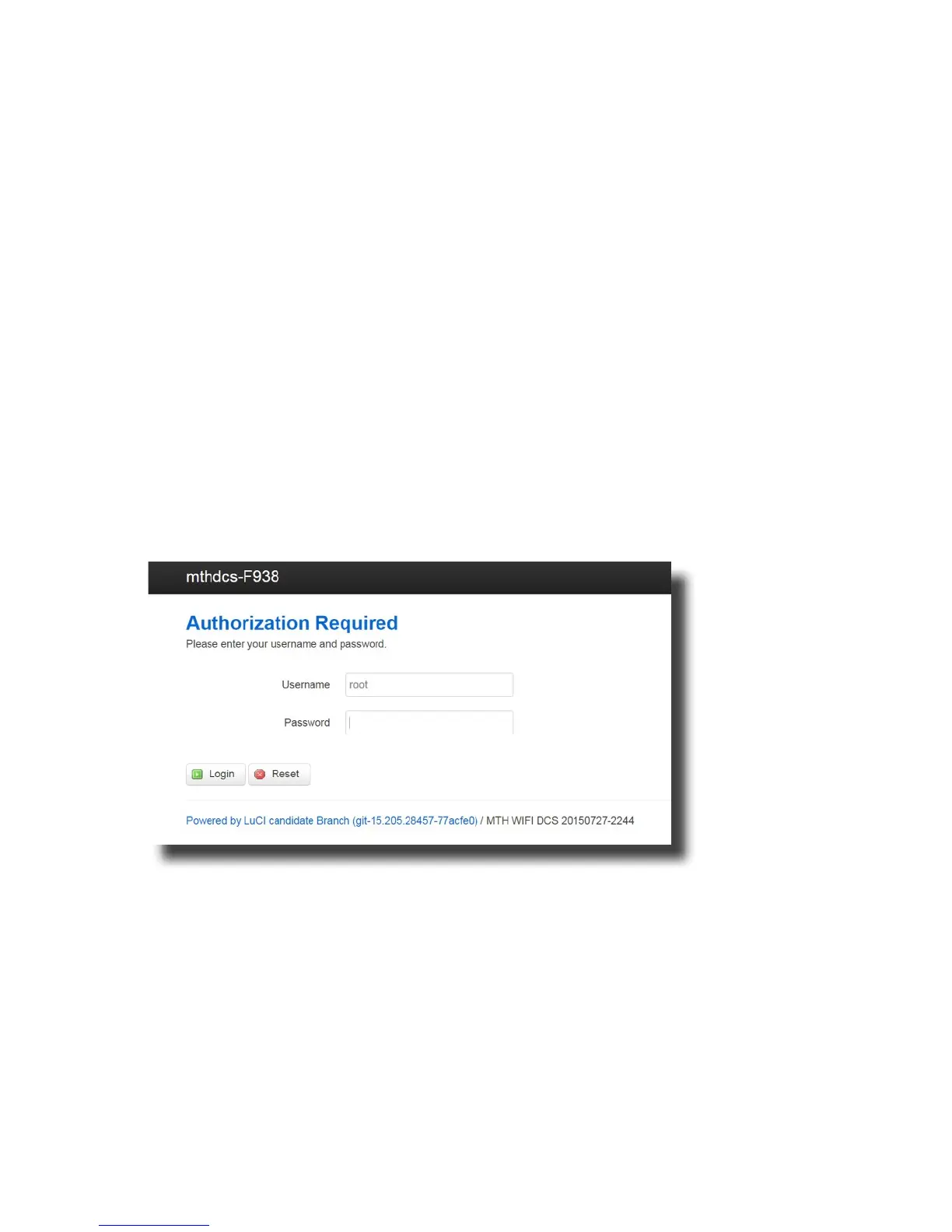
LuCI is a web interface for your DCS Explorer. Think of is as custom web page used exclu-
sively for accessing advanced set up and features in your DCS Explorer unit. To operate
Wi-Fi DCS, most people will not need to access LuCI. However, if MTH releases an update
to your DCS Explorer rmware, you will want to meet her.
Accessing LuCI
1. Disconnect all cables from your WIU DCS Explorer.
2. Set the HOME/MTH selector switch to MTH.
3. Plug the DCS Explorer into an AC wall outlet.
4. Using a smart device or Wi-Fi capable laptop/PC, navigate to see the available wireless
networks and connect to the MTH_DCS-XXXX. The network name is printed on the
bottom of your module.
5. When prompted, enter the network key mthdcswi all lower case. The network key is
also printed on the bottom of your module.
6. Open your web browser and enter the IP address 192.168.143.1 in the url address line.
This is usually the top text box in your browser. This will open LuCI, the MTH DCS web
interface.
7. Enter the password MTHDCS and hit enter. Do not change the username from ROOT.



 To Next Page