WI-FI DCS USER’S GUIDE 16
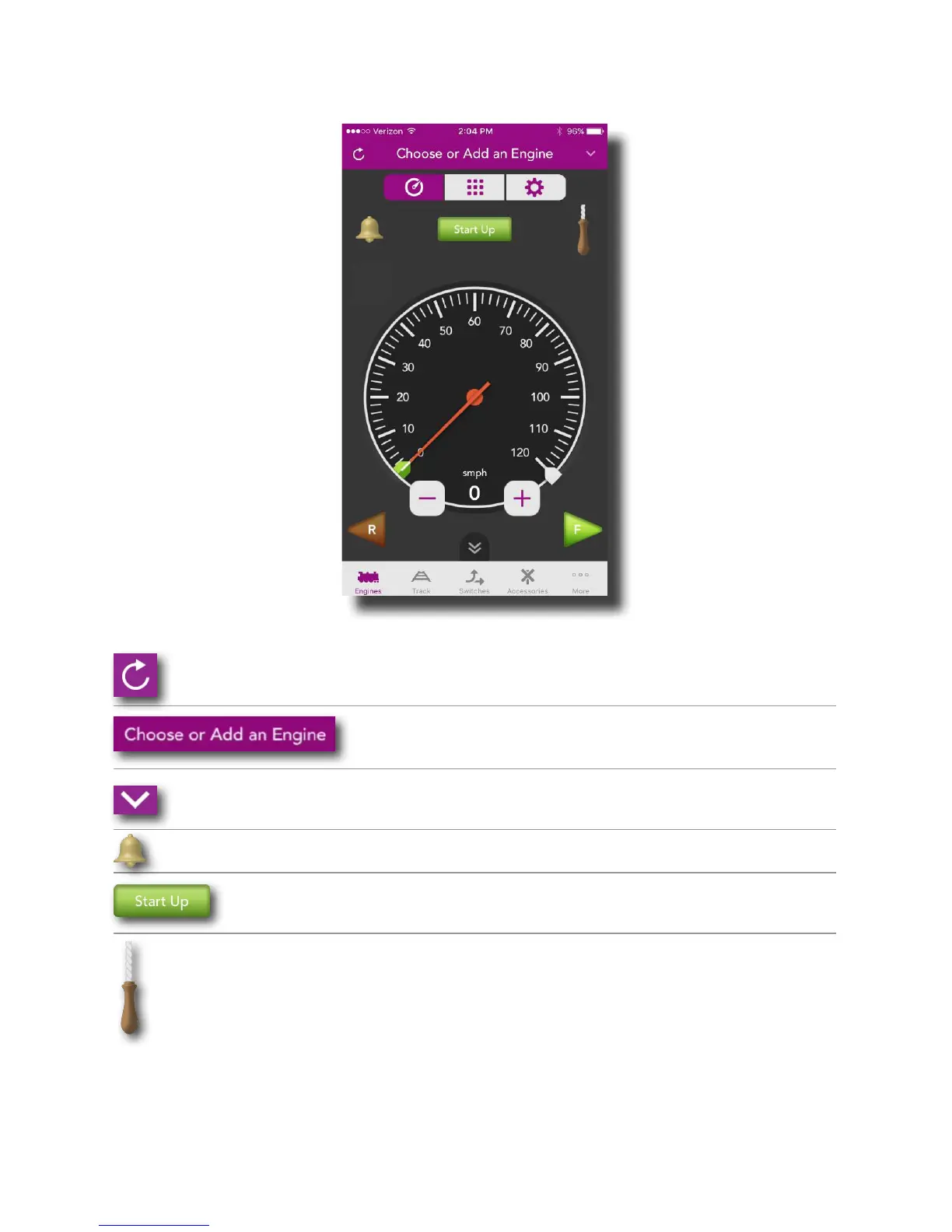
Main Control Screen
Refresh: Tap here to read the track and refresh your
app to the current state of your layout
‘Choose or Add an Engine’: Tap here to add your en-
gines to the app and run them!
Down Arrow: Tap here to pull down your engine list
Bell: Tapping here turns the bell on and off
Start Up: Tapping here starts up the engine
currently displayed
Whistle: Touch, hold, and drag downward to play
the whistle. For engines with playable whistles, see
Whistle Settings in the Setting Screen section.
Note: For diesel and electric engines, the whistle pull
is replaced by a horn icon. Tap and hold the horn icon
to blow the horn.



 To Next Page