WI-FI DCS USER’S GUIDE 11
Updating DCS Explorer Firmware
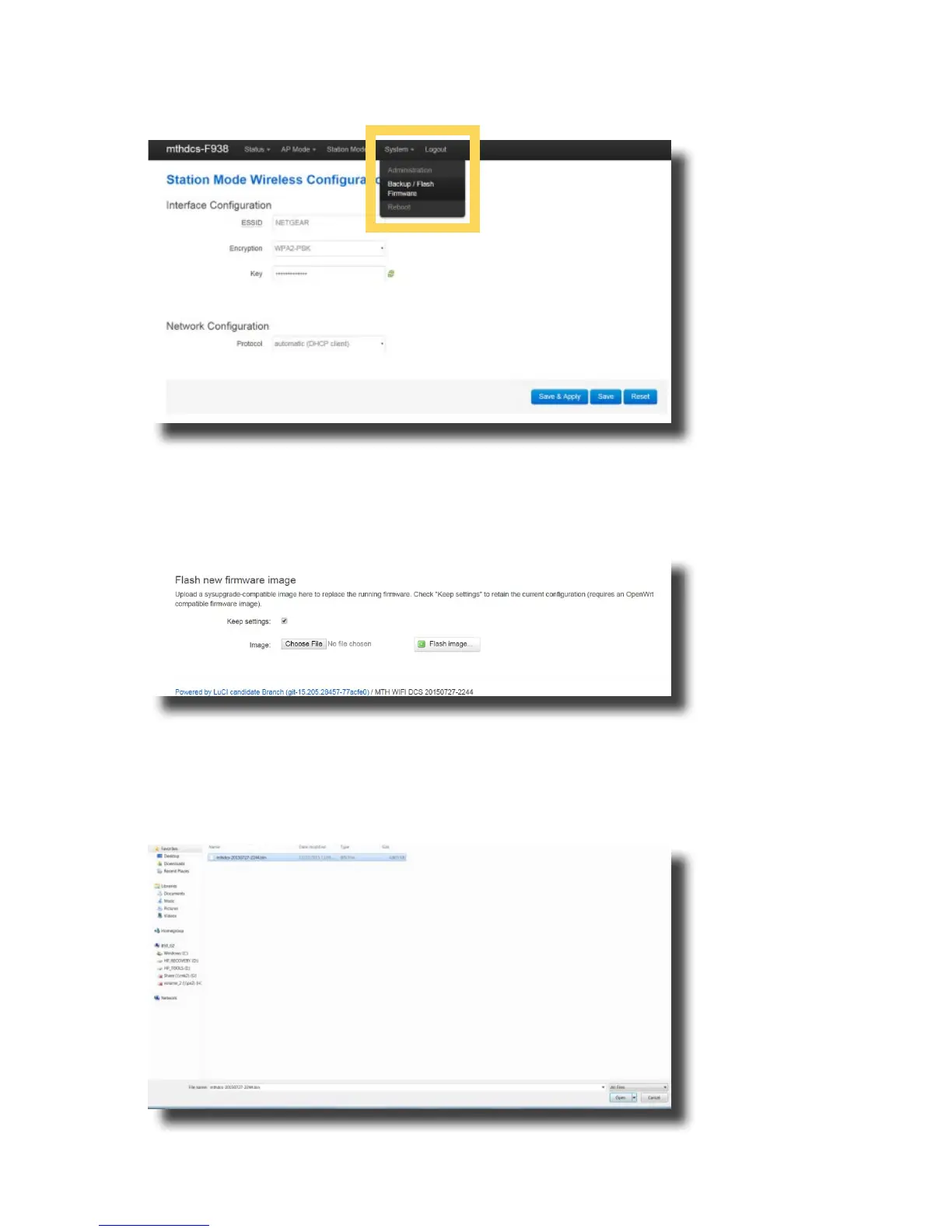
1. Access LuCI (see instructions above in this section).
2. Select the SYSTEM tab near the top of the page.
3. Select BACK-UP/FLASH FIRMWARE from the drop down list.
4. Scroll down the page until you see FLASH NEW FIRMWARE IMAGE near the bottom of the
page.
5. Leave the KEEP SETTINGS box checked. This saves your network settings.
6. Select CHOOSE FILE and navigate to the new rmware lename, select the le,
and click OPEN.



 To Next Page