WI-FI DCS USER’S GUIDE 20
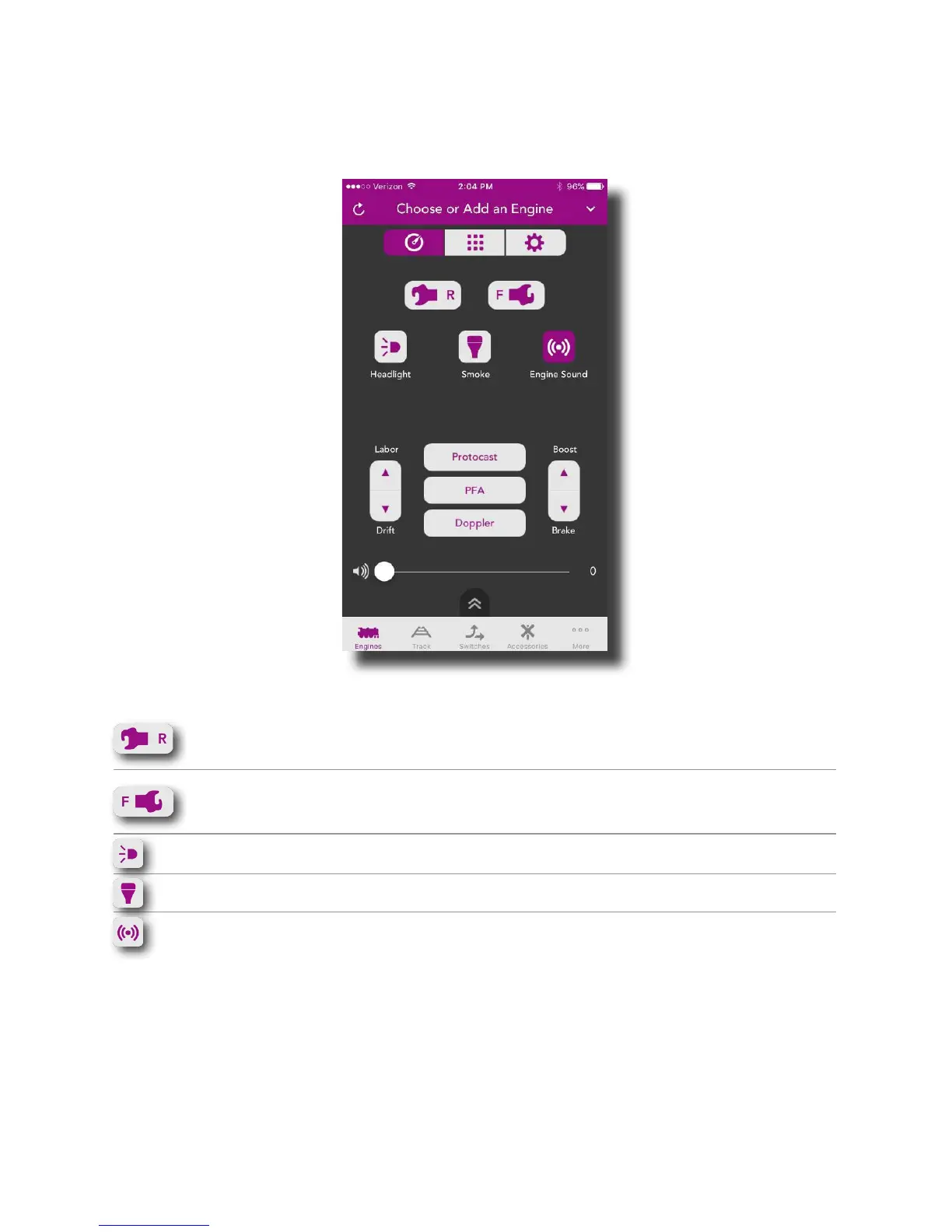
Secondary Control Screen
The Secondary Control Screen provides quick access to features commonly used while
running trains. This screen is common to all engines so, some features may not be present
on all engines.
Rear Coupler: Tap to open the rear coupler (if so
equipped)
Front Coupler: Tap to open the front coupler (if so
equipped)
Headlight: Tap to turn the headlight on or off
Smoke: Tap to turn the smoke on or off
Engine Sound: Tap to turn the engine sounds on or
off (mute)



 To Next Page